Desktop-PC für Studenten
Ein Studien-PC sollte zuverlässig, leise und während des gesamten Studiums haltbar sein. Dieses Build lässt Raum, um später eine Grafikkarte hinzuzufügen.

Der berechnete Build
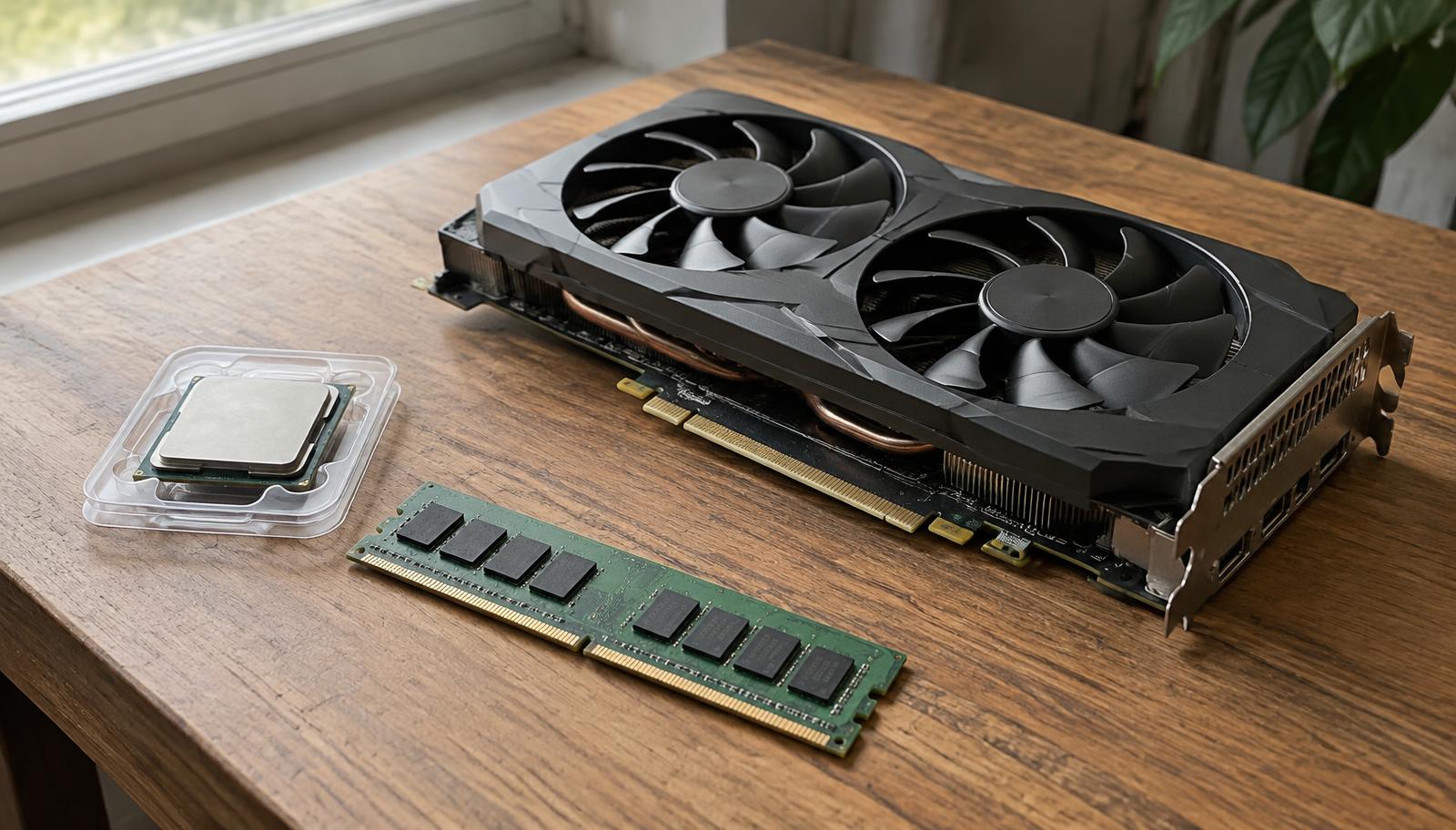
714 €- CPU: AMD Ryzen 7 7700299 €
- Grafikkarte: Integrated graphics (in the CPU)0 €
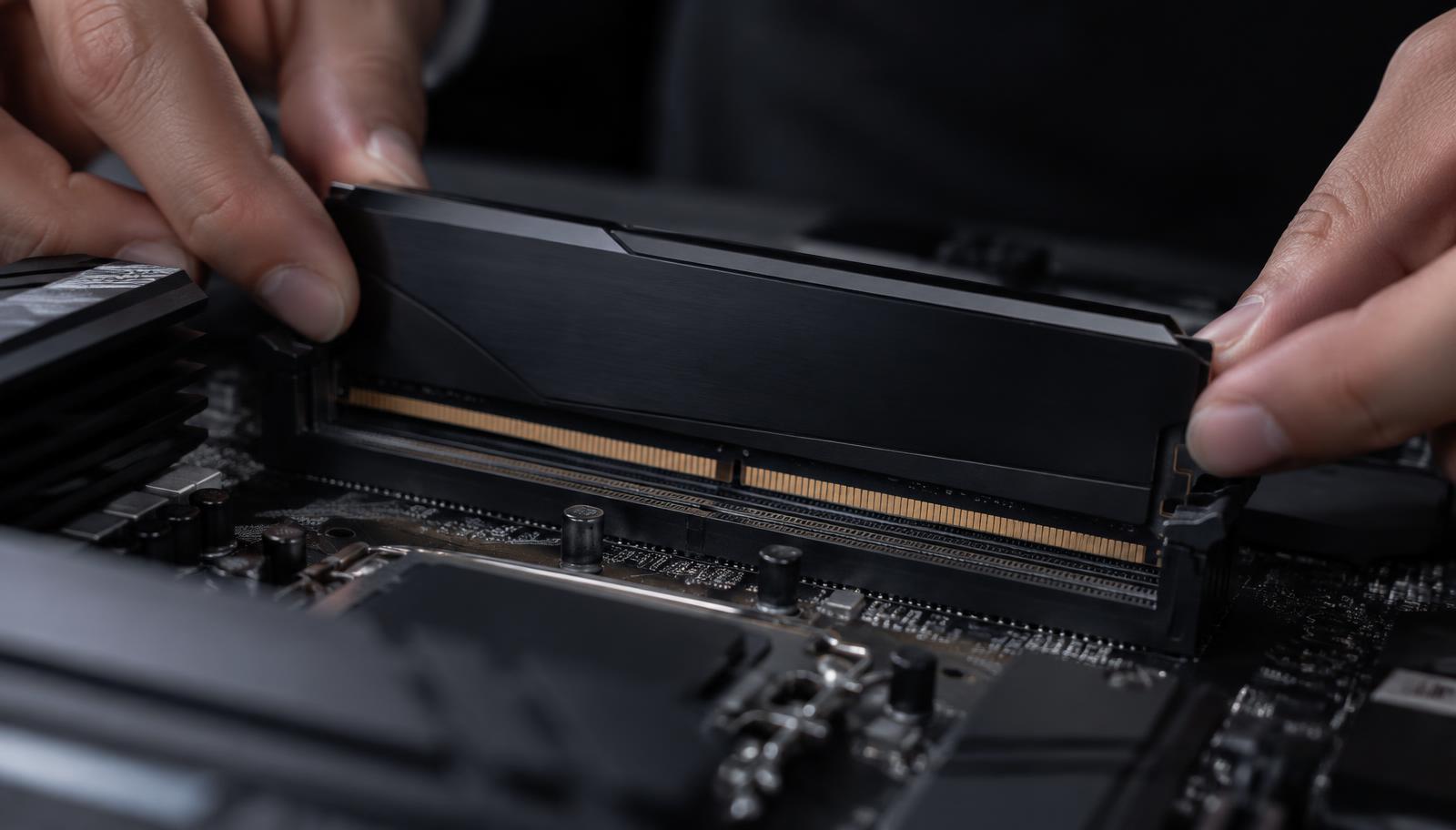
- Arbeitsspeicher (RAM): Kingston Fury Beast 16GB DDR5 5200 (2×8)53 €
- Speicher: WD Black SN770 1TB NVMe76 €
- Netzteil: Corsair CX450 450W Bronze58 €
- Mainboard: Gigabyte B650M Gaming X AX152 €
- Kühlung: Stock CPU cooler0 €
- Gehäuse: ASUS A2176 €
Für das gesamte Studium planen
Der Kauf einer Plattform mit Upgrade-Möglichkeiten bedeutet, dass Sie im zweiten Jahr Speicher oder eine Grafikkarte hinzufügen können, anstatt den gesamten Computer zu ersetzen.
What students actually run
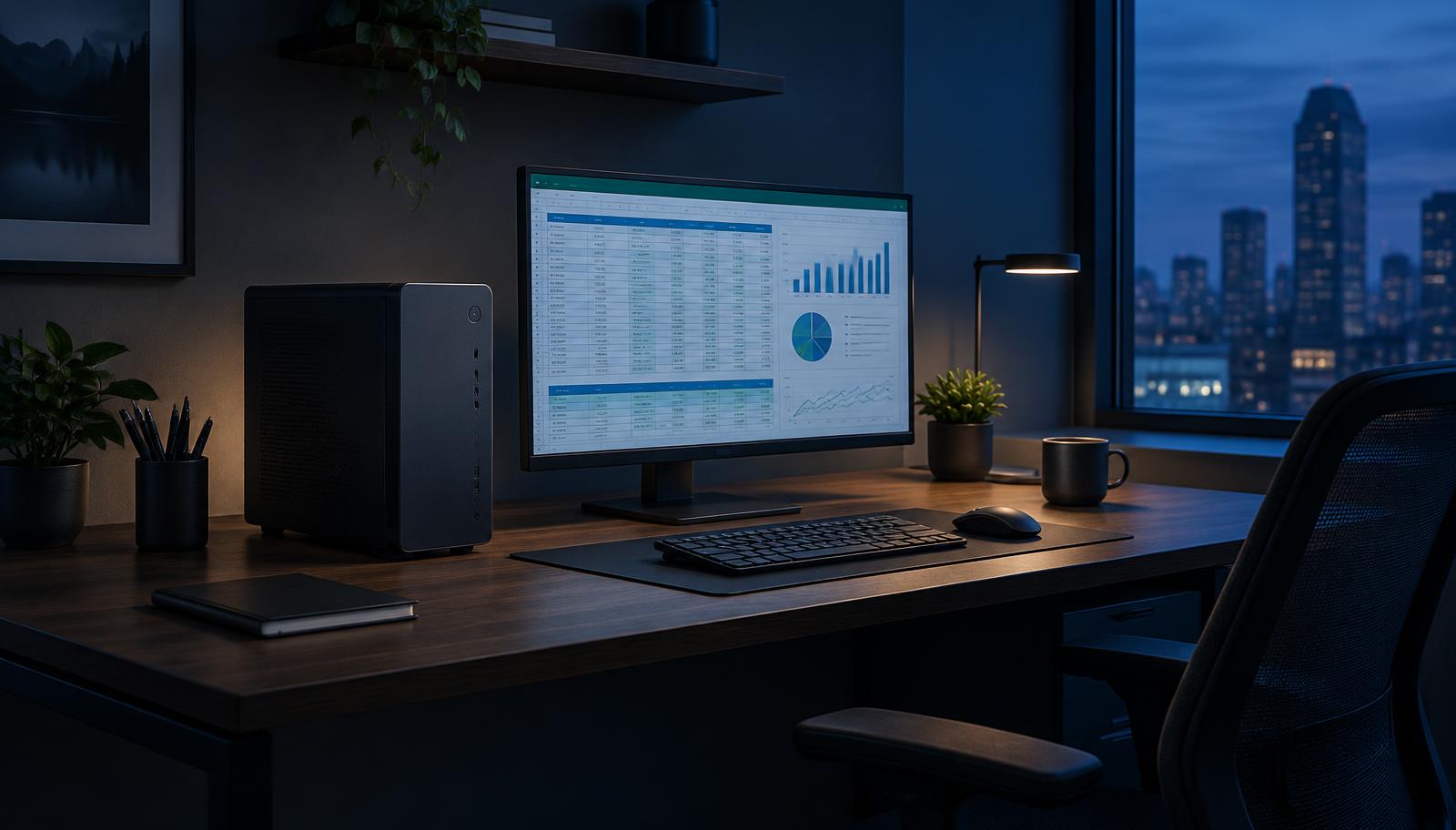
Most courses need a browser, office apps, video lectures and sometimes programming or light design software. A processor with built-in graphics, 16GB of memory and a 1TB SSD handles all of it smoothly.
Engineering, architecture and design degrees often require CAD or 3D software. Check the course requirements: those programs usually need a dedicated graphics card.
Aufrüstbar
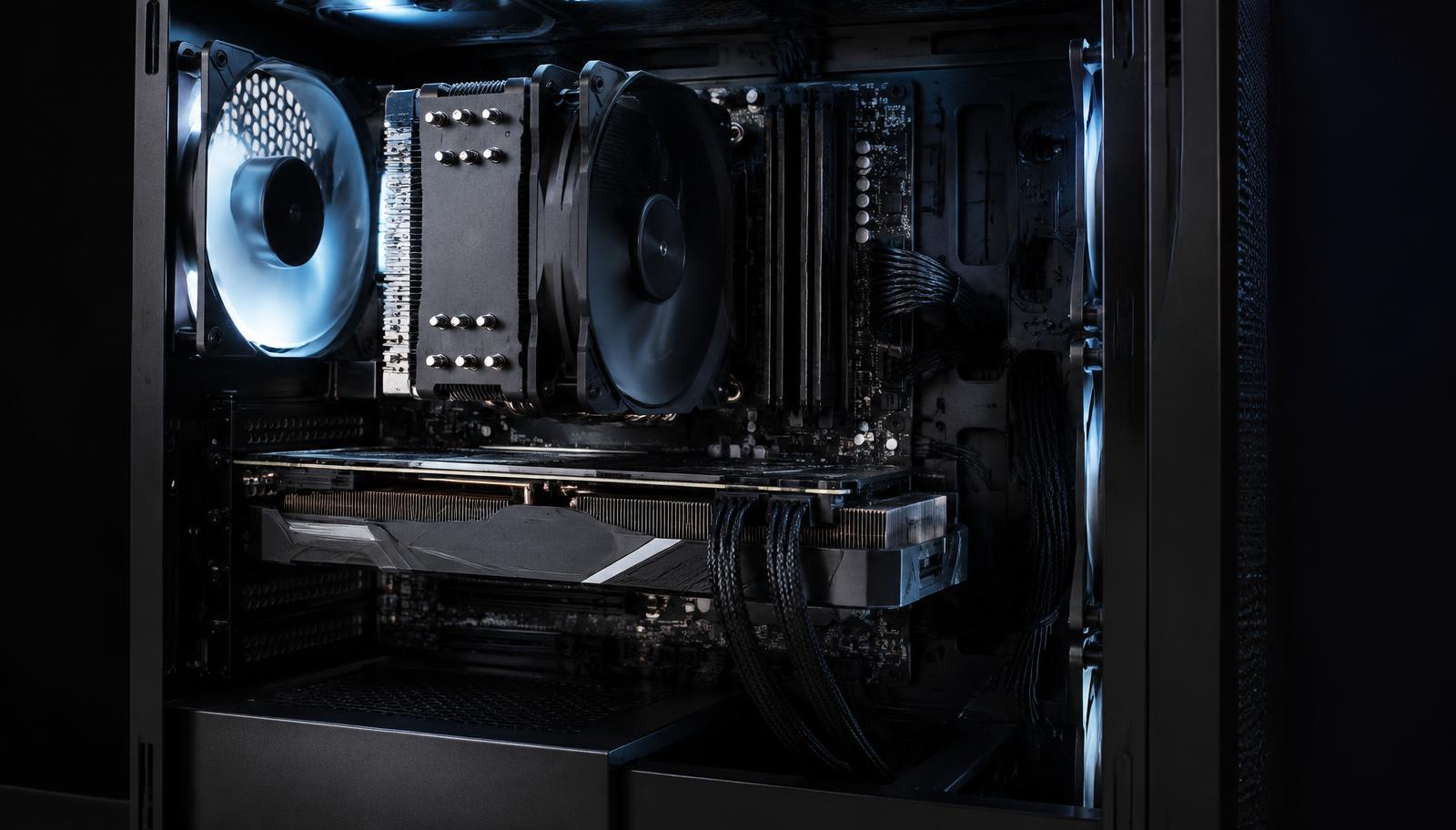
A student PC can start without a graphics card and get one later for gaming or a new course. Choose a power supply and case that leave room for it, so the upgrade is one part instead of a new computer.
Save without regret
Skip RGB, oversized coolers and premium motherboards. Do not skip the SSD speed, the second memory stick or a known power supply.
Häufig gestellte Fragen
Desktop oder Laptop für die Universität?
Ein Desktop bietet mehr Leistung pro Euro und lässt sich leicht aufrüsten; ein Laptop ist nur von Vorteil, wenn Sie auf dem Campus arbeiten müssen.
Can a student PC also play games?
Light games yes, on built-in graphics. For modern games add a graphics card now or later.