Start from the screen, not the card
Resolution is the single biggest multiplier of graphics work. The same card that produces very high frame rates at 1080p can be pushed hard at 1440p and stretched at 4K, because each step adds a large number of extra pixels to draw for every frame. Buying a card before deciding the resolution you will actually play at is how budgets get wasted in both directions: too much card for a modest screen, or an expensive screen fed by a card that cannot keep it busy.
Refresh rate matters in the same calculation. A 240Hz panel only pays for itself in games where your PC can realistically sustain high frame rates, which in practice means competitive titles at moderate settings. For story driven games at high settings, a steady frame rate near your panel's range usually looks better than an unstable chase for a headline number.
Write down two things before you compare any models: the resolution you will use daily, and the frame rate you want in the heaviest game you care about. Those two numbers turn an open ended shopping problem into a short list.
Performance class, then memory
Once the target is set, compare cards by measured performance in the type of game you play rather than by generation name. A newer entry level card is not automatically faster than a strong card from the previous generation, and two cards with similar names can sit in very different performance classes. The comparison tool on this site puts the relevant fields next to each other so the ordering is visible instead of assumed.
Video memory is a separate axis. VRAM holds textures, buffers and other rendering data, and when a game needs more than the card has, the result is not a small slowdown but stutter and forced setting reductions. Higher resolutions, high texture settings, mods and creative work all raise the requirement. That said, extra memory never makes a slow processor fast, so treat capacity as a floor to satisfy rather than a score to maximise.
Physical and electrical reality
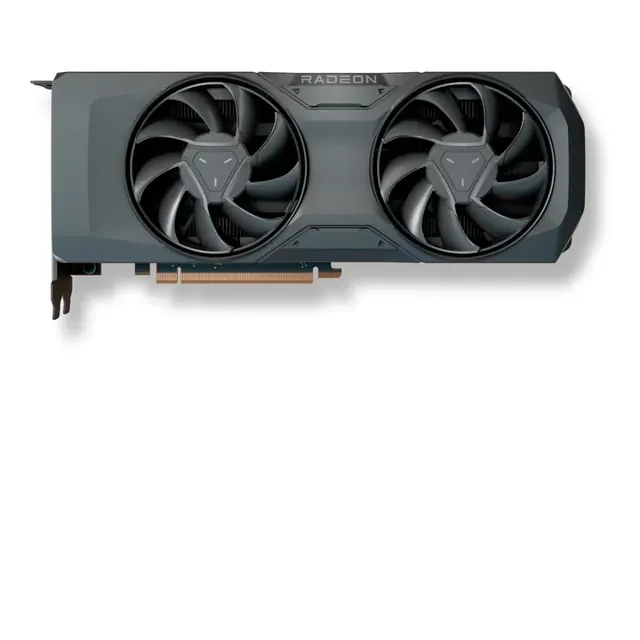
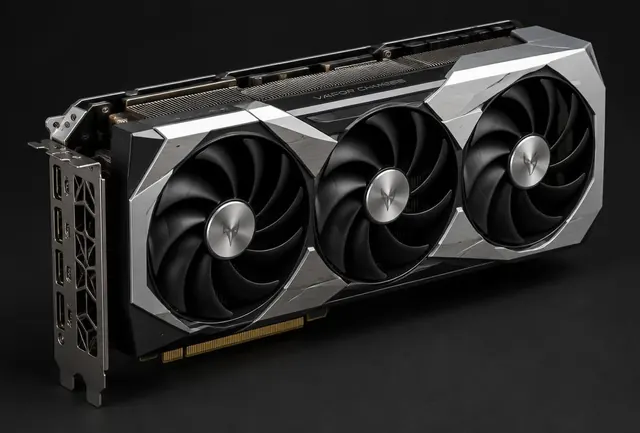
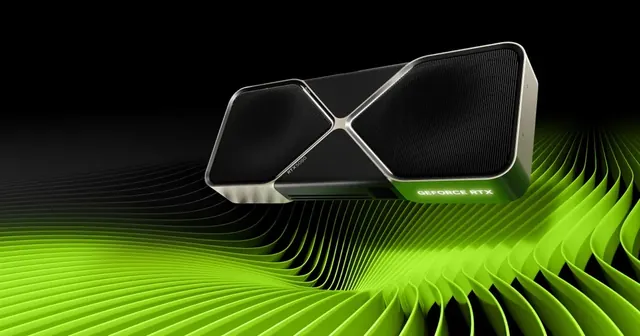
A card that does not fit is not a bargain. Check three numbers against the case: total length, thickness in expansion slots, and the clearance in front of the card once cables are attached. Large air coolers on modern cards frequently occupy three slots and sit close to the front fans of compact cases.
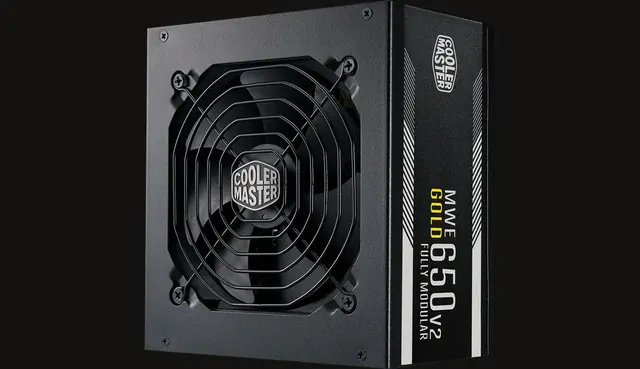
Power comes next. Modern high end cards can draw short spikes well above their average figure, so the power supply needs sensible headroom and the correct native connectors. Adapters supplied in the box are acceptable when used as intended, but reusing unknown modular cables from another supply is not. If the build is close to the limit of an older supply, budget for a new one rather than hoping for the best.
Where the value usually sits
In a gaming first build, the graphics card typically takes the largest share of the budget, but not an unlimited one. Once the processor, memory or storage become genuinely weak, extra graphics money stops turning into smoother play. The build engine on this site balances that split automatically for the games and resolution you enter, which is a good sanity check against a card chosen in isolation.
Value also depends on when you buy. Prices for the same model can differ noticeably between stores and between new and used listings, and a card one tier down at a good price often beats a slightly faster card at a poor one. Compare the complete build price, including a suitable supply and case, rather than the card alone.