Best gaming PC under $3,000
At $3,000 you can expect high refresh 4K and maxed 1440p. The build below is computed by our engine, not picked by hand, and we earn nothing from any store.
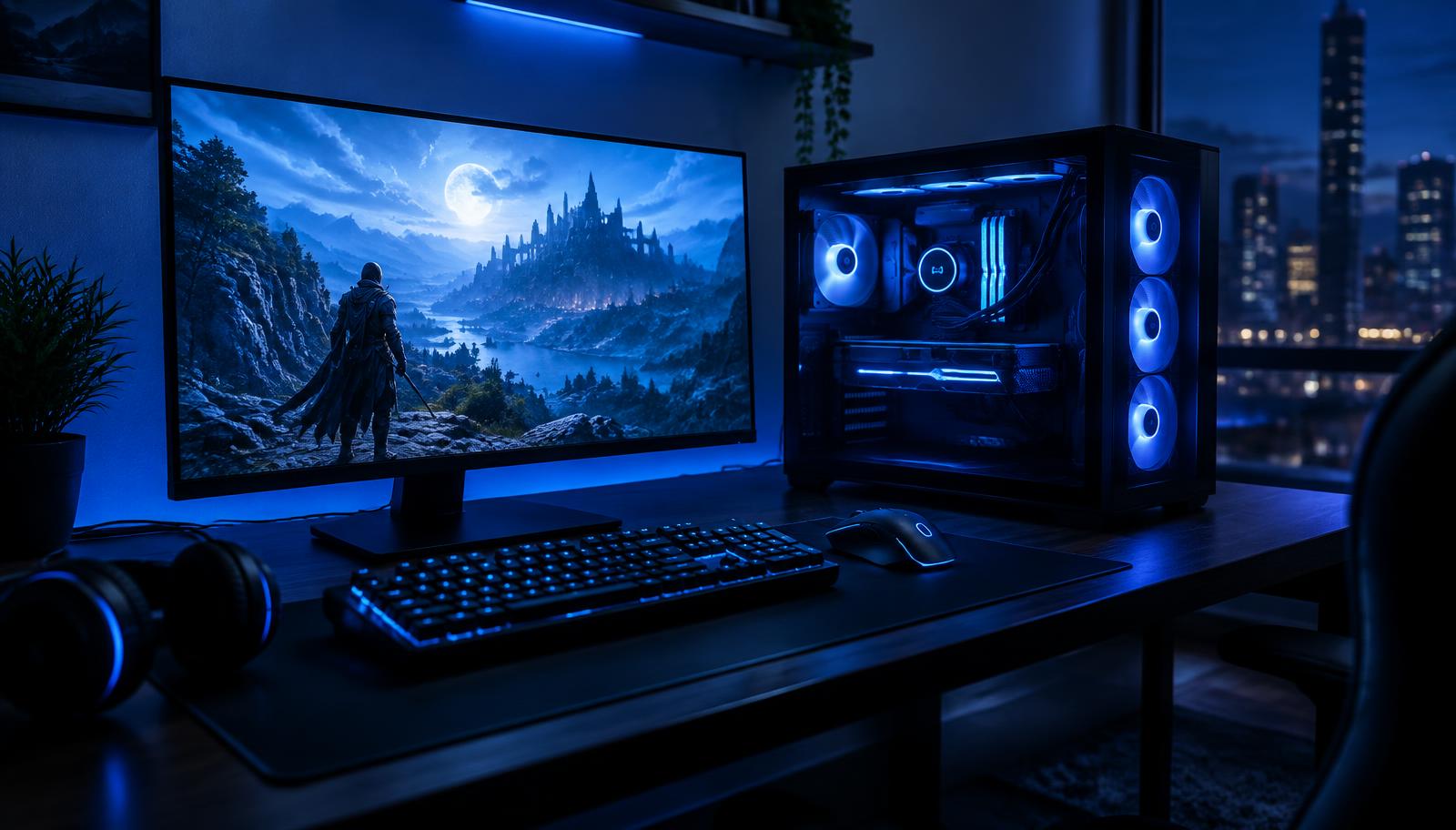
La configuración calculada
2529 €- CPU: AMD Ryzen 7 9800X3D620 €
- Tarjeta gráfica: NVIDIA RTX 5080 16GB1316 €
- Memoria (RAM): Kingston Fury Beast 16GB DDR5 5200 (2×8)53 €
- Almacenamiento: Lexar NM790 2TB NVMe132 €
- Fuente de alimentación: Seasonic Focus GX-850142 €
- Placa base: Gigabyte B650M Gaming X AX152 €
- Refrigeración: Arctic Freezer 3638 €
- Gabinete: ASUS A2176 €
How to spend $3,000 on a gaming PC
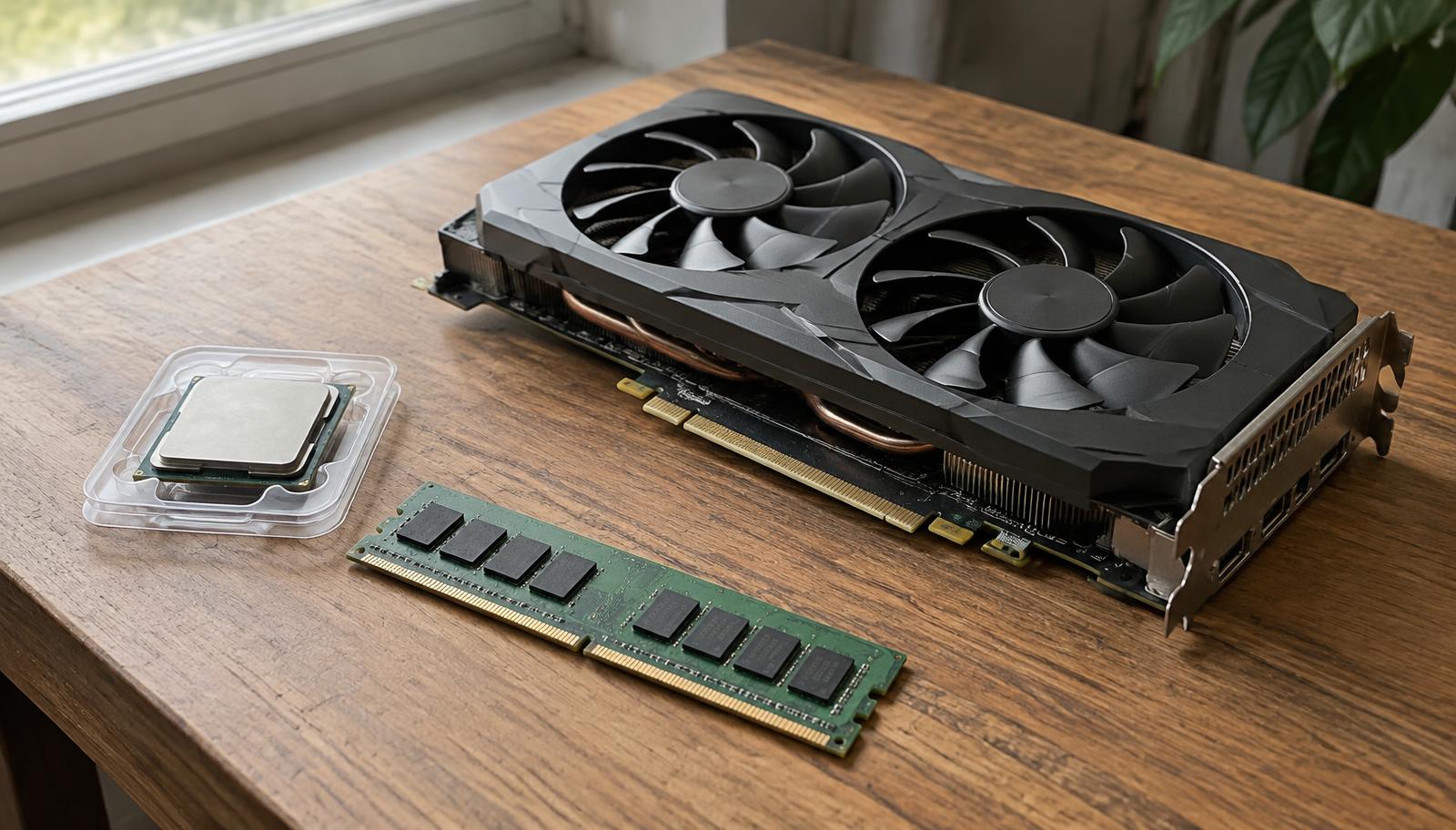
Destina la mayor parte del presupuesto a la tarjeta gráfica, ya que es la que decide la mayoría de tus FPS. Compra un procesador que sea lo suficientemente rápido como para no ralentizarla, entre 16 y 32 GB de memoria, un SSD NVMe de 1 TB y una fuente de alimentación de calidad. Deja el RGB y los disipadores de gran tamaño para el final si el presupuesto es ajustado.
Sobre estos precios
Los precios son estimaciones convertidas de nuestro catálogo y pueden diferir de los minoristas de EE. UU. como Amazon, Newegg y Micro Center. Consulta los precios actuales antes de comprar.
Which part matters for which game
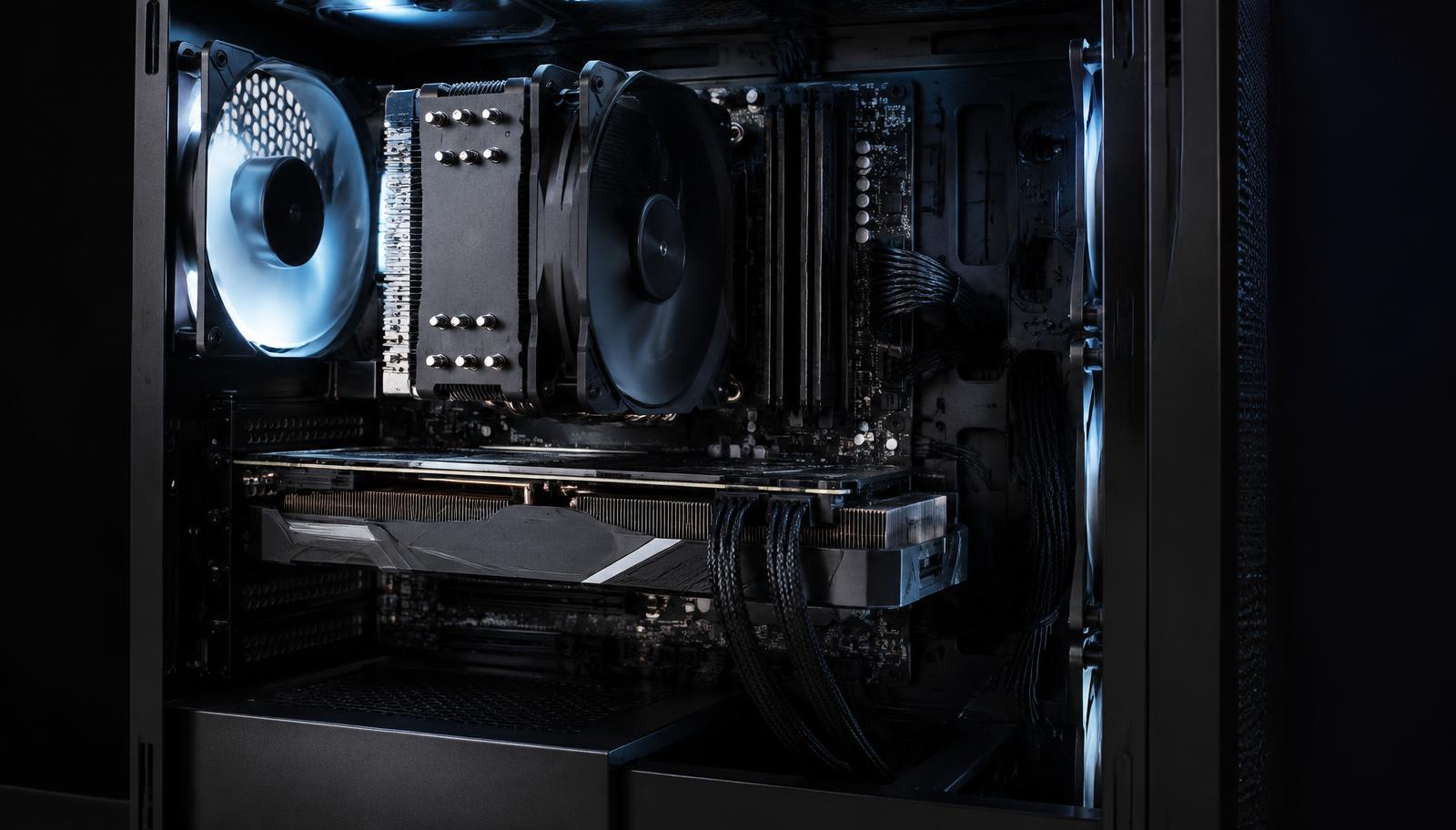
Competitive shooters such as Valorant, CS2 and Fortnite at low settings lean on the processor: they draw simple scenes hundreds of times per second, so a fast CPU with a large cache raises the frame rate more than a bigger graphics card.
Open world and story games such as Cyberpunk 2077, Alan Wake 2 or Black Myth: Wukong are the opposite. They are limited by the graphics card and its memory, especially at 1440p and 4K, so money moved from the processor to the card buys more smoothness.
That is why the builder asks for your games first: the same budget is split differently for an esports player and for someone who plays big single player titles.
Memory, storage and the parts people forget
16GB of memory still runs most games, but 32GB in two sticks removes stutter in newer titles and leaves room for a browser, Discord and recording in the background. Two sticks matter: one stick halves the memory bandwidth.
A 1TB NVMe SSD is the practical minimum today, because a single modern game can take 100 to 150GB. A hard drive is fine only for videos and archives, never for games.
The power supply is the part most often cut to save money, and the one that does the most damage when it fails. The builder always sizes it with headroom above the full load and the graphics card maker's official minimum.
Compatibility checks behind every build
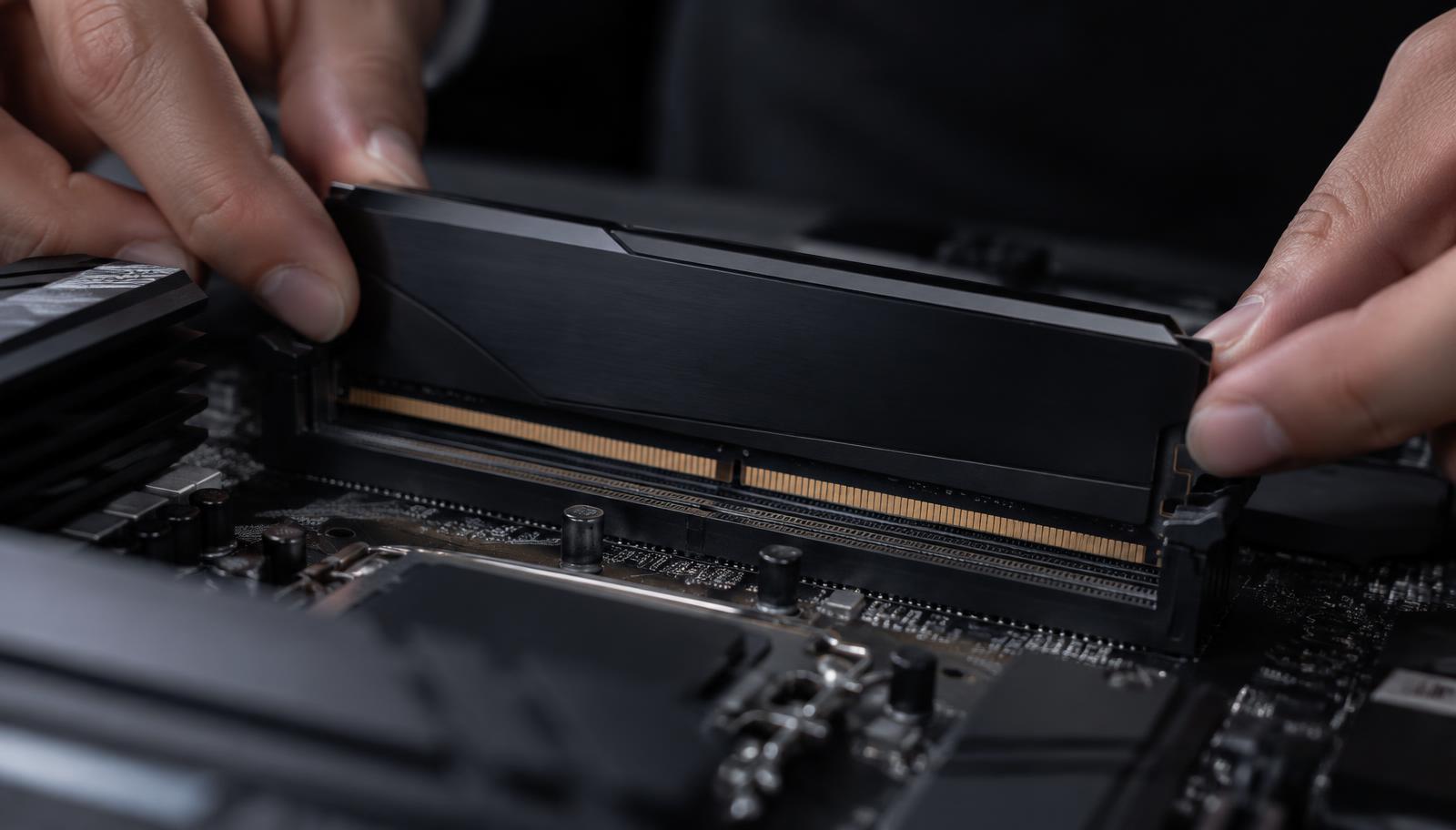
Each computed build passes the same checks: processor socket against the motherboard, memory type (DDR4 or DDR5), graphics card length against the case, cooler height or radiator size against the case, power supply wattage and connectors, and whether the board may need a BIOS update for the chosen processor.
When a maker has not published a measurement, the result says it is not verified instead of guessing, so you know exactly what to confirm before buying.
Planning for upgrades
The cheapest upgrade path is to start with a platform that has a future. AMD's AM5 socket is supported at least through 2027, so a faster processor can drop into the same board later. Leave power supply headroom for a stronger graphics card, and buy memory in a kit you can keep.
The graphics card is usually the first part to replace after two or three years. The result page shows which stronger cards still fit your case and power supply.
Common mistakes at any budget
Buying the most expensive processor for a gaming PC and pairing it with a weak card. Choosing a 240Hz monitor for games your PC cannot run near 240 FPS. Saving on the power supply. Buying one memory stick. Paying for RGB before performance.
Preguntas frecuentes
Can you build a good gaming PC for $3,000?
Yes. At $3,000 expect high refresh 4K and maxed 1440p.
Is it better to build or buy a prebuilt gaming PC under $3,000?
Montar suele ser más barato para el mismo rendimiento, y eliges la fuente de alimentación y el SSD en lugar de obtener las piezas débiles que a menudo ocultan los equipos preensamblados.
Are the FPS numbers guaranteed?
No. They are estimates based on independent benchmarks and depend on settings, drivers, game updates and the condition of the computer.
Should I buy now or wait for new hardware?
If a launch is weeks away, waiting can lower prices on the previous generation. Otherwise buy what fits your games today; there is always something new coming.
Do I need Windows and a monitor in the budget?
The build above covers the computer only. In the builder you can choose to include a monitor, keyboard, mouse and Windows 11, and their cost is taken from the budget first.