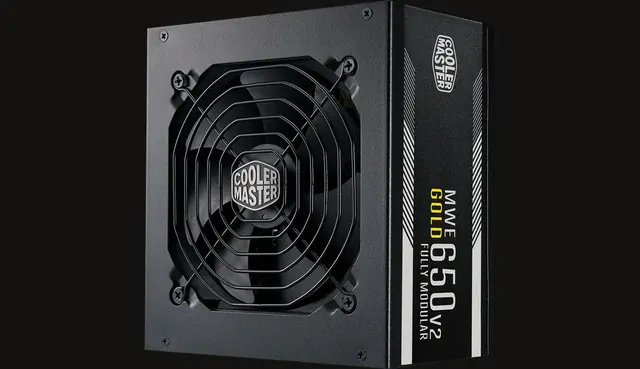
Why headroom exists at all
Three separate reasons. First, modern graphics cards produce very short power spikes that can exceed their average draw substantially, and a supply operating near its limit may react badly to them. Second, supplies age, and capacity effectively declines over years of use. Third, a supply loaded lightly runs cooler and quieter than one working at the edge of its rating.
A fourth practical reason is upgrades. If you expect to move to a higher power graphics card during the life of the machine, reserving capacity and the right connectors now is cheaper than replacing the supply later.
Turning that into a number
Estimate the sustained draw of the processor and graphics card in a heavy game, then add an allowance for the rest of the system. Adding roughly a quarter on top of that figure gives a comfortable operating margin for most builds. The compatibility check on this site uses that approach and warns when a selected supply sits too close to the estimate.
Do not chase far larger margins for their own sake. A very oversized supply costs more, can limit your choice of physical format in compact cases, and does nothing for performance.
Verify connectors, not just capacity
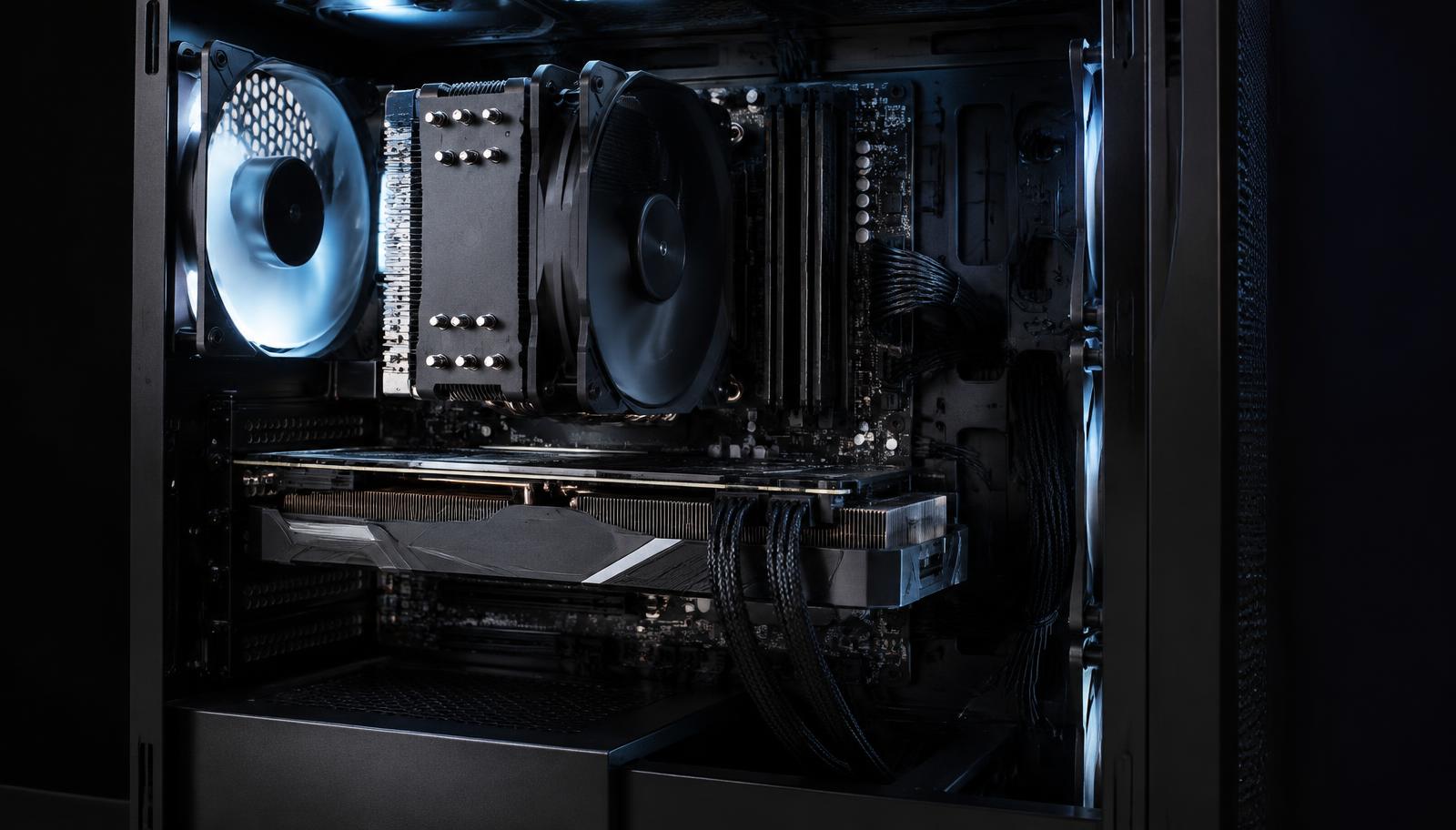
A supply with enough capacity but the wrong connectors is still the wrong supply. Check what your graphics card requires natively and in what quantity, and follow the card maker's guidance on adapters. Cable pinouts are not standard between manufacturers, so modular cables from a different unit must never be reused.
Finally, remember that quality outranks the number. Efficiency ratings, build reputation, protections and noise behaviour all describe how the unit behaves under the load you are planning for.
Planning for the upgrade you will actually make
Most people replace the graphics card long before anything else, so that is the upgrade worth planning for. If the card you might buy in two years draws considerably more than today's, reserving both the capacity and the connector now avoids buying a second supply later.
The rest of the system barely moves the calculation. Drives, fans, memory and peripherals together account for a small share of the total, which is why the processor and graphics card dominate the estimate.
If the budget forces a choice, prefer a good supply with adequate headroom over a larger one of unknown quality. Capacity you never use buys nothing, while quality you do not have costs you stability under exactly the load you built the machine for.