Estimate the real draw
Start with the processor and graphics card, because together they account for most of the consumption. Add a modest allowance for the board, drives, memory and fans. The result is an operating estimate, not a peak, and it should not be confused with the sum of every rated maximum on a spec sheet.
The compatibility check on this site performs this estimate for the parts you selected and flags a supply that is too close to the limit, which is a faster sanity check than adding numbers by hand.
Headroom and transient spikes
Headroom exists for three reasons: modern graphics cards can draw very short spikes far above their average, supplies age, and a unit running near its limit tends to run its fan harder. Roughly a quarter of spare capacity above the working estimate is a comfortable planning target for most builds.
Headroom is not a substitute for quality. A large but poor supply is worse than a well built one with a sensible rating, because the failure mode is instability under exactly the load you bought it for.
Connectors and format
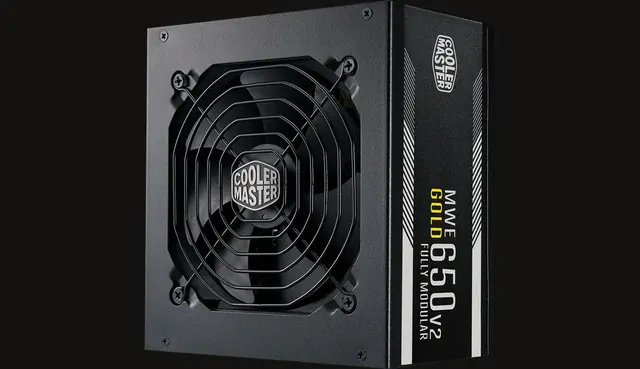
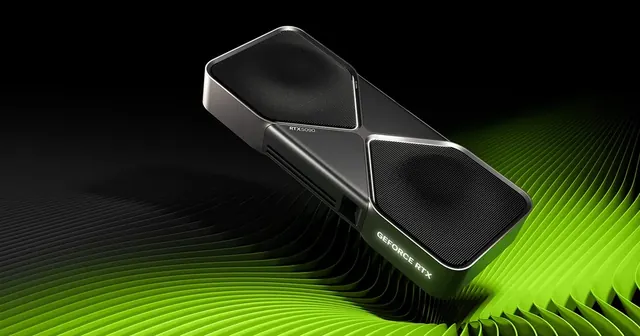
Check that the supply provides the connectors your graphics card requires natively, in the quantity required. Modern high power cards may use a newer connector standard, and the adapter supplied with the card is intended for a specific configuration.
Never reuse modular cables from a different supply. Pinouts differ between models and manufacturers, and a wrong cable can damage hardware. Finally, confirm the physical format, because a compact case may require SFX rather than a standard ATX unit.
Used supplies deserve extra caution
Of all the parts in a PC, the power supply is the one where unknown history carries the most risk. Wear is invisible, capacitors age, and the consequences of a failure reach other components. If you consider a used unit, insist on the exact model and an honest age, and compare the saving against the price of a new supply with a warranty.
In most budgets, the supply is the wrong place to economise. It is a small share of the total cost and the one part every other part depends on.
Efficiency, noise and what the labels mean
Efficiency ratings describe how much power is lost as heat during conversion. A higher rating means slightly lower electricity use and, more usefully in daily life, less waste heat inside the case and a fan that has less work to do.
Noise depends on the fan curve as much as the rating. Many modern units keep the fan stopped entirely at low load and only spin it up when the power draw rises, which is why a supply with sensible headroom is often the quieter choice for the same build.
Warranty length is a reasonable proxy for how much a manufacturer trusts its own design. A long warranty on a well reviewed model is worth more than a larger number printed on an unknown one.