CPU buying guide

How to choose a processor

Choose a CPU for the work it must feed, then account for the motherboard platform, cooler and future upgrade path.

4 min de lecture4 chaptersIllustrated
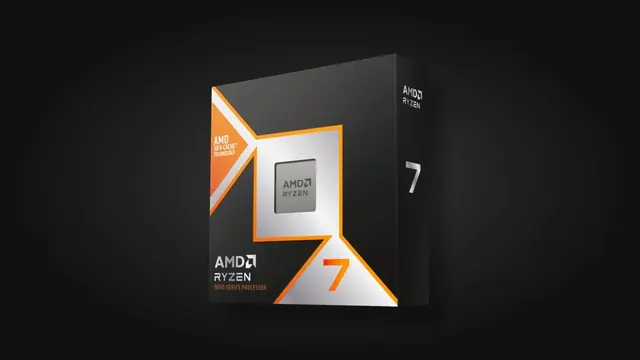
Modern desktop processor
A processor purchase is really a platform purchase: chip, board, memory generation and cooling together.
Short answer

For gaming, buy enough CPU to keep your target FPS stable and move the remaining budget to the GPU. Add cores when rendering, compiling, streaming or heavy multitasking genuinely benefits from them.

The processor prepares the work that the graphics card draws. In games it handles the simulation, the physics, the artificial intelligence and the draw calls, so a weak processor shows up as an unstable frame rate and sudden dips rather than a uniformly lower number. In creative work it often sets the whole duration of a task.

Because the processor determines the socket, the memory generation and the cooler requirement, it has the widest influence on the rest of the parts list. Choosing it deliberately saves money twice: once on the chip, and once on everything that must match it.

Name the workload before the model

Start by writing what the machine must do for most of its life. A competitive gaming PC that must hold a high frame rate benefits from strong per core performance and a processor with good gaming behaviour, which is not always the model with the highest core count. A rendering or compiling machine benefits from many cores, because those tasks split cleanly across them.

Mixed use is common and perfectly reasonable, but it should be stated. Playing at high refresh while streaming, or gaming on the same machine used for video editing, changes the balance toward a chip with both respectable per core performance and enough cores to absorb the background load.
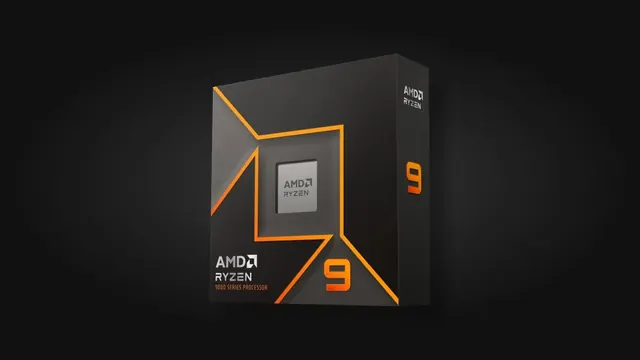
High core count desktop processor
Many cores pay off in long parallel tasks such as rendering and compiling, less so in most games.

The platform around the chip

A processor only fits one socket and one memory generation. That means the real price of a processor is the chip plus a compatible motherboard, plus the memory type that board accepts, plus a cooler if none is included. Two chips with similar prices can differ by a meaningful amount once the platform is added, and that difference is often better spent on the graphics card.

Upgrade room is a legitimate reason to prefer a platform, but it should be treated as an option rather than a promise. If you expect to replace the processor within the life of the board, check what the platform already supports rather than assuming future compatibility.
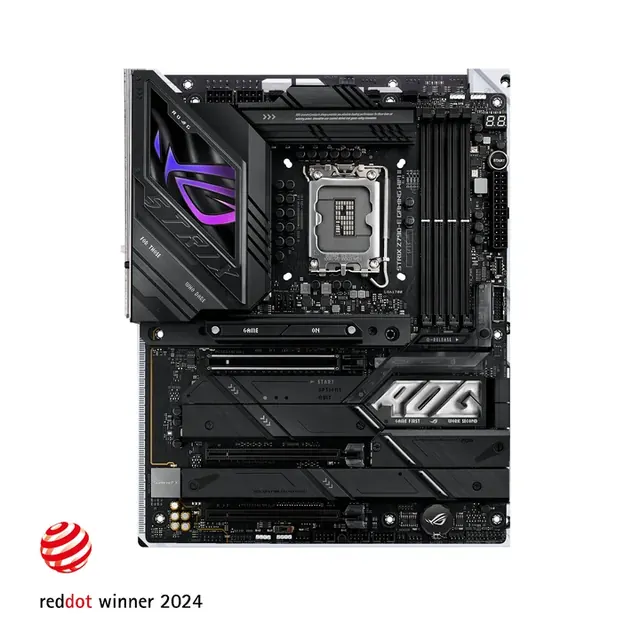
Motherboard with heatsinks and slots
Socket and memory generation come from the processor decision, not the other way around.

Cooling and heat output

Processors differ in how much heat they produce under sustained load. A chip with a modest rating is comfortable under a mid size air cooler and stays quiet. A chip designed to draw a lot of power under long workloads needs real cooling capacity, and starving it produces throttling that erases the performance you paid for.

Check whether a cooler is included, whether it is adequate for your workload, and whether your case has the height or radiator support for the cooler you intend to use. Cooling is the step most often discovered too late.

Reading the comparison honestly

Single numbers hide behaviour. When you compare two processors, look at the type of workload the score represents, and prefer figures that match your own use. On this site the part comparison shows gaming and productivity oriented fields separately so a chip that is strong in one and average in the other is visible rather than averaged away.

Finally, judge the result inside the whole build. The forecast for your games at your resolution will tell you whether the processor or the graphics card is the limiting side, and that answer, not a generic ranking, is what should decide where the next amount of money goes.
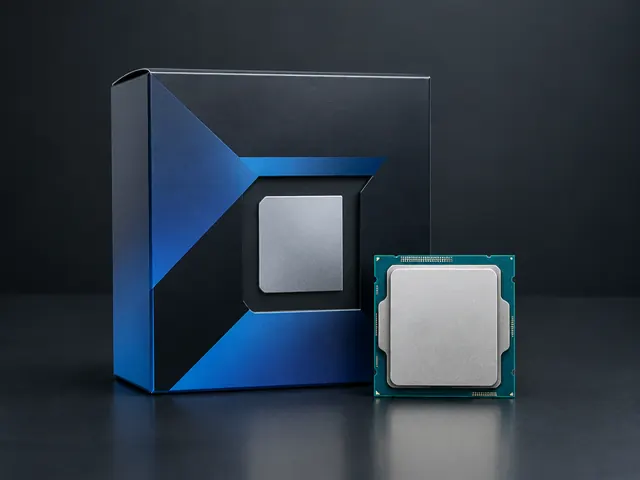
Desktop processor in its packaging
Compare processors on the workload you actually run, then verify the balance inside the full build.

Choose by situation

Your situationPrioritizeWhy
High refresh competitive gamesFavor gaming and single thread strengthThe CPU prepares many frames every second.
AAA gaming at 1440p or 4KUse a balanced modern CPUThe GPU usually sets the limit at higher resolutions.
Rendering and heavy creationFavor multi core performanceLong parallel tasks can use many cores.

Common mistakes

  • !Buying many cores for workloads that cannot use them.
  • !Forgetting the cost of the board, memory and cooler.
  • !Pairing a flagship CPU with a weak GPU in a gaming first budget.

Before you buy

  1. 1Name the main workload.
  2. 2Check the socket and memory generation.
  3. 3Budget for cooling when none is included.
  4. 4Compare platform cost and upgrade room.

Questions people ask

Do more cores improve games?

Up to a point. Modern games use several cores well, but past that, per core performance and memory behaviour matter more than adding cores.

Is the included cooler good enough?

For efficient mainstream chips, often yes. For processors that sustain high power under long loads, a better cooler keeps performance and noise under control.

Should I buy the newest generation?

Only if the platform cost is reasonable. A previous generation chip on a cheaper board sometimes leaves enough budget for a meaningfully better graphics card.

Use the guide with real parts

Keep reading