Safer value guide

New vs used PC parts

Used hardware can improve value, but risk differs sharply by component and every listing needs identity, condition and test evidence.

3 min de lecture4 chaptersIllustrated
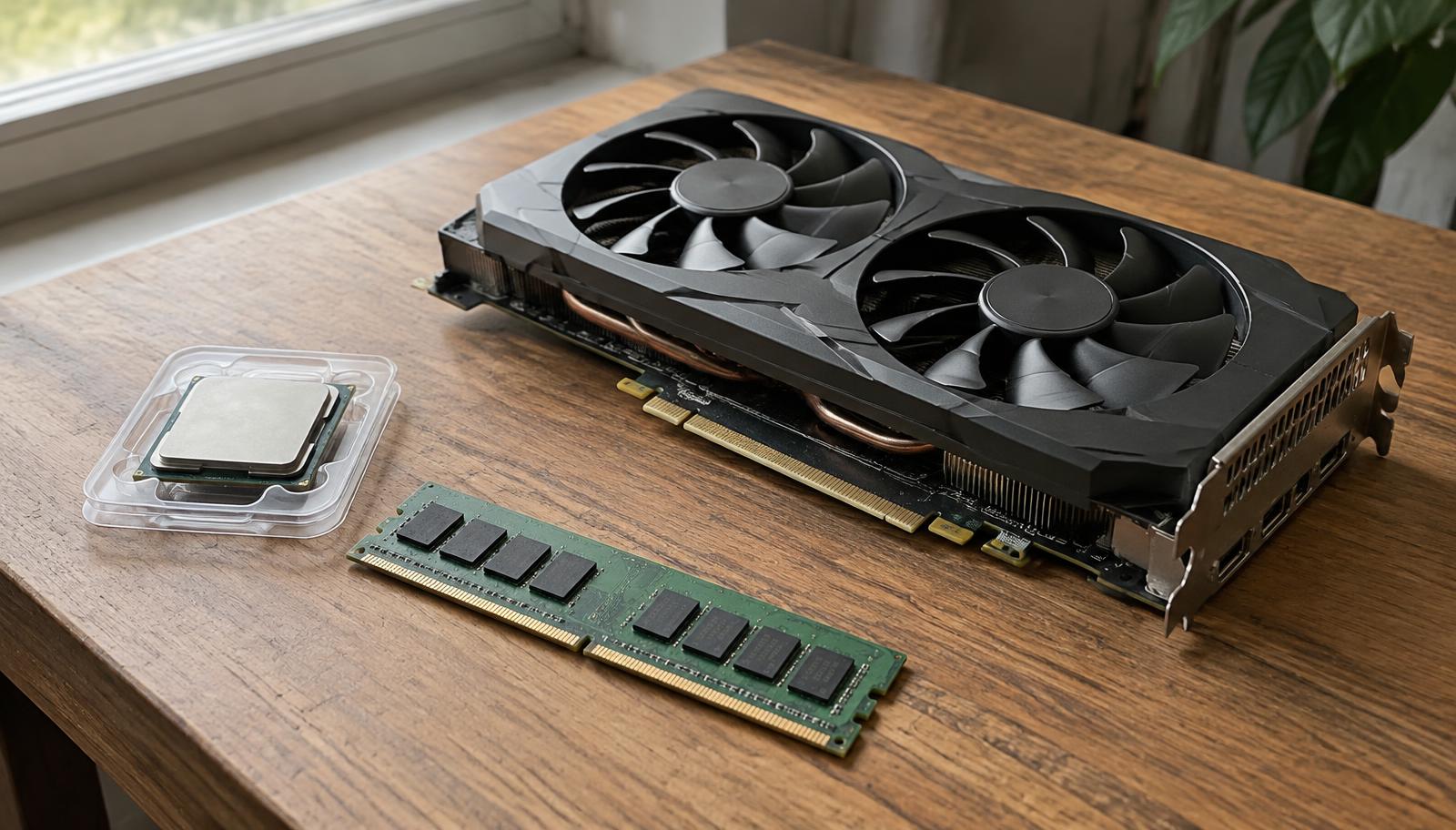
Used graphics card, processor and memory module on a table
Used hardware can be excellent value when identity, condition and testing are all verified.
Short answer

Compare the used discount with the new price, warranty and replacement risk. Favor listings that show the exact model, working evidence and a safe inspection path; be especially cautious with power supplies and storage.

The second hand market is where a limited budget can buy meaningfully more performance, and also where it can lose money entirely. The difference is almost never luck. It comes down to how well the part was identified, how it was tested, and how the price compares with a current new offer.

This guide goes through that process by component, because the risk is not the same for a graphics card as for a power supply.

Price the risk, not just the discount

A used price is only attractive relative to the current new price, not to an old launch price. Check what the part costs new today across the stores listed on this site, then subtract the value of the warranty you are giving up and the chance of needing a replacement. What remains is the real saving.

As a rough guide, a small discount on a used part with no warranty is a poor trade, while a large discount on a verifiable part with test evidence can be an excellent one.

Risk by component

Graphics cards and processors are usually the best candidates, because performance can be demonstrated in front of you and there are few wear parts. Ask for a benchmark run, look for temperature behaviour under load, and check the exact model rather than a family name. With processors, inspect pins and the socket contact area.

Memory and cases carry modest risk. Storage carries more, because wear is invisible without checking the drive's health data, and old drives can be close to the end of their useful life. Power supplies carry the most risk of all, since ageing is hidden and a failure can damage other parts.
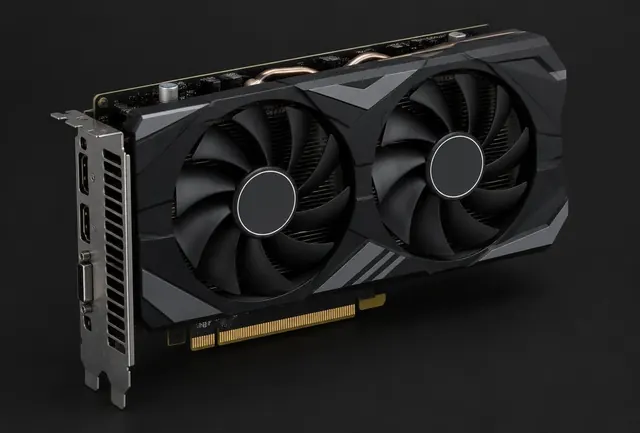
Previous generation graphics card
Previous generation cards are the classic used bargain, provided the exact model is shown and tested.

What a good listing looks like

A trustworthy listing names the exact model and variant, shows real photographs of the actual item including the label or serial area, states the age and whether a warranty remains, mentions the reason for selling, and offers a safe inspection or testing arrangement.

Warning signs are the opposite: stock photographs, vague family names, refusal to test, a price far below every other listing, and pressure to complete quickly. Any of those alone is enough to walk away, because there is always another listing.

Checking a whole used PC

When buying a complete machine rather than a part, the risk shifts to what was hidden inside it. Ask for the full parts list, then price each item individually to see whether the total makes sense. Pay particular attention to the supply, the drive age and whether the cooling matches the processor.

The quote checking tool on this site exists for this situation: paste the parts list from a seller or a shop and it will show the balance, the compatibility notes and where the price does not match the contents.
Choose by situation

Your situationPrioritizeWhy
Graphics card with test evidencePotentially good used valuePerformance can be checked before purchase.
CPU with clear model and conditionOften straightforward to verifyThere are fewer wear parts, but pins and socket contact still matter.
Unknown PSU or storage historyPrefer new or fully verifiedFailure risk and hidden wear can erase the saving.

Common mistakes

  • !Comparing a used asking price with an outdated new estimate.
  • !Accepting a vague model name or stock photo.
  • !Ignoring missing warranty, accessories or safe testing.

Before you buy

  1. 1Verify exact model and serial details.
  2. 2Request working tests and condition photos.
  3. 3Compare against current new offers.
  4. 4Price the risk, warranty and missing accessories.

Questions people ask

Is a used graphics card risky?

Less than most people assume, when you see the exact model running under load. Mining history matters less than condition and cooling.

Should I ever buy a used power supply?

Only from a known good model of modest age at a large discount, and never for a high power build. The risk reaches other components.

How do I check a used drive?

Ask for its health and power on hours reading. Without that information, treat the drive as unknown.

Use the guide with real parts

Keep reading