Size it for what stays installed
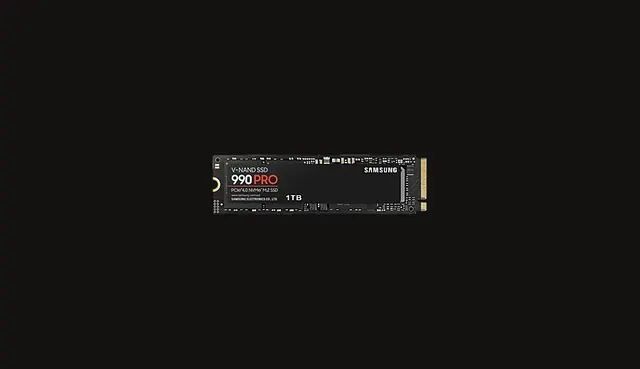
Modern games are large, and uninstalling and reinstalling to make room is the most common storage complaint. List the titles you keep installed at the same time, add the operating system and your applications, and then add room to breathe. A drive that runs permanently close to full is also less pleasant to live with.
If a large library is the issue, a second drive chosen on cost per terabyte is usually better value than replacing the system drive with a very large fast one.
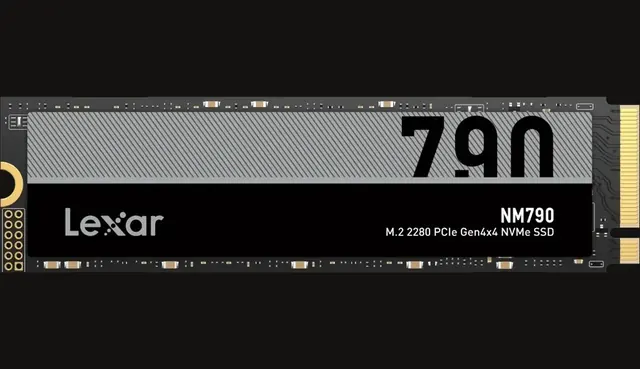
Drive class and board support
Not every slot on every board runs at the same generation, and some slots share bandwidth with other devices. Before buying a high generation drive, check what the specific board offers and where. A faster drive in a slower slot simply runs at the slower speed, which is not a failure but is wasted money.
For most people, any competent current NVMe drive feels the same in games and general use. Load time differences between good drives are usually small because games are limited by other work as well.
When faster really helps
Sustained writes are where drives separate. Copying very large media files, working with high bitrate video or moving whole project folders exposes the difference between a drive that holds its speed and one that slows sharply after its cache fills. If that is your daily work, look for sustained behaviour rather than peak figures.
Reliability practice matters more than either. Keep backups on a separate device, because a drive failure takes everything on it regardless of how fast it was.
A simple layout that works
For most builds, one NVMe drive with comfortable capacity is the whole storage plan. It holds the operating system, the applications and the games you actively play, with nothing to configure and no cables to route.
When a library outgrows it, add a second drive rather than replacing the first. A larger value oriented NVMe or even a mechanical disk for archives keeps the fast drive free for what you use now, and it separates the things you would miss from the things you can download again.
Whatever the layout, decide where backups live before you need them. An external drive or a cloud copy for documents, photos and project files costs very little next to the value of what it protects.