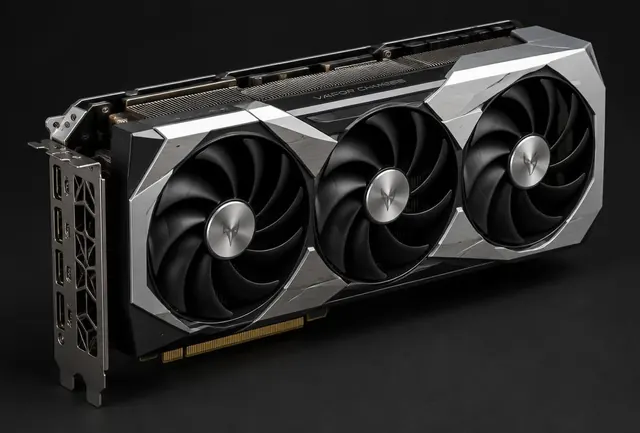
GPU buying guide
How to choose a graphics card
Match the GPU to your resolution, games, frame rate target, case and power supply instead of buying from the model name alone.
5 min readRead guide
Long form articles with worked reasoning, photographs, decision tables and purchase checklists. Every guide uses the same fields and rules as the build engine, without invented benchmark claims.
Match the GPU to your resolution, games, frame rate target, case and power supply instead of buying from the model name alone.
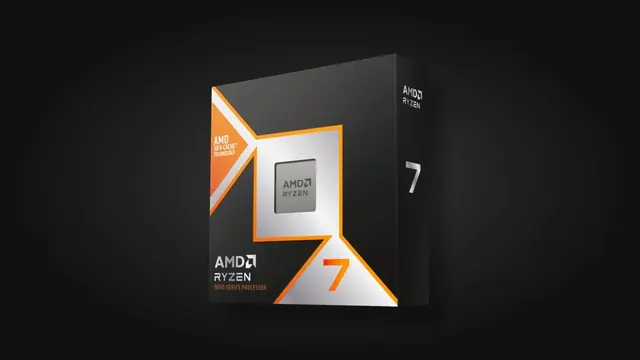
Choose a CPU for the work it must feed, then account for the motherboard platform, cooler and future upgrade path.
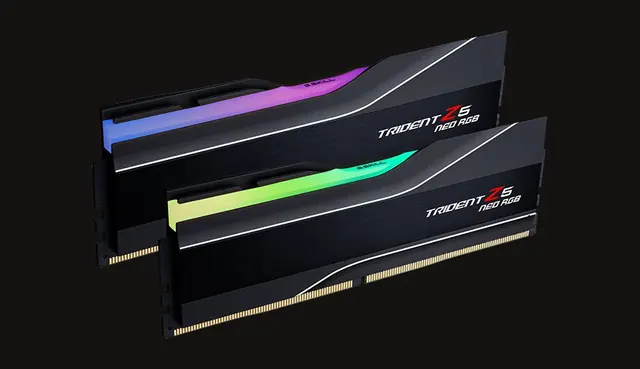
Capacity prevents slowdowns when several programs are open; speed matters less and must match the motherboard's DDR generation.
Capacity changes how often you manage files; drive class affects loading and transfers, but headline speed is not the whole experience.
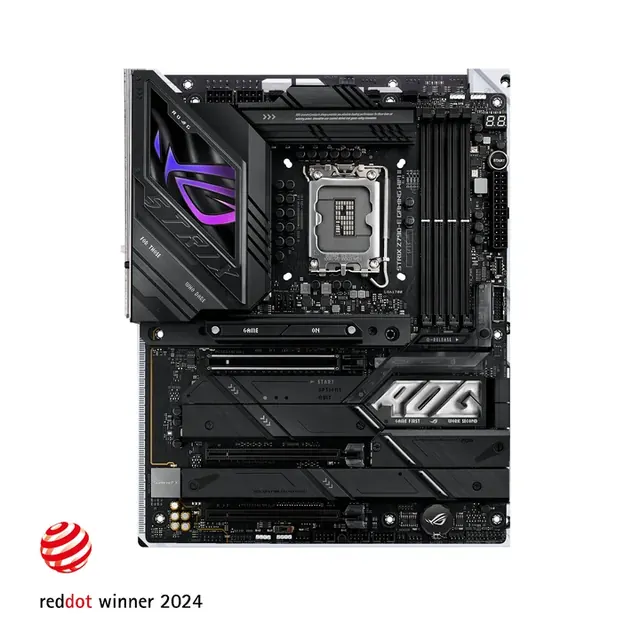
A motherboard should fit the CPU, memory, case and connections you need without absorbing budget that would improve performance elsewhere.
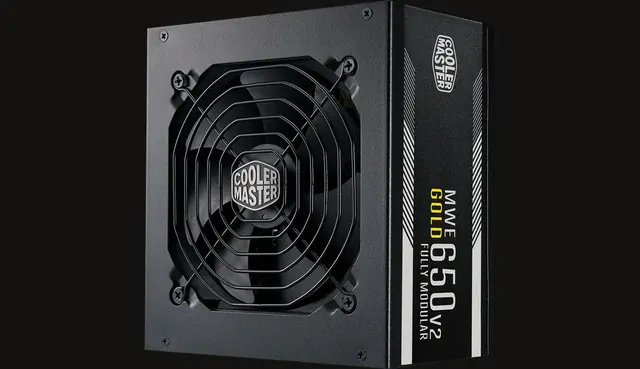
Choose enough quality power for sustained load and short spikes, with sensible headroom rather than the largest wattage number.
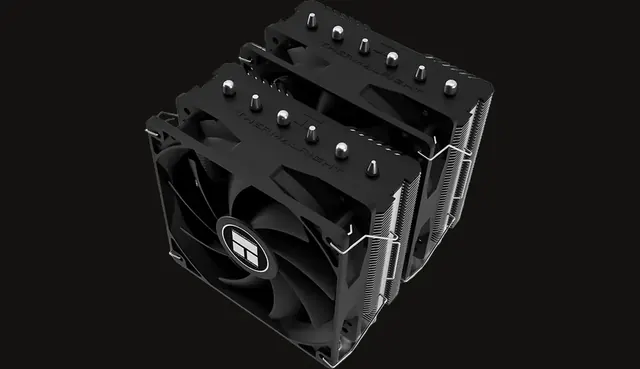
Match cooling capacity to the processor, then verify cooler height or radiator support inside the case.

The case must physically fit the board, graphics card and cooler while giving them enough airflow and usable cable space.
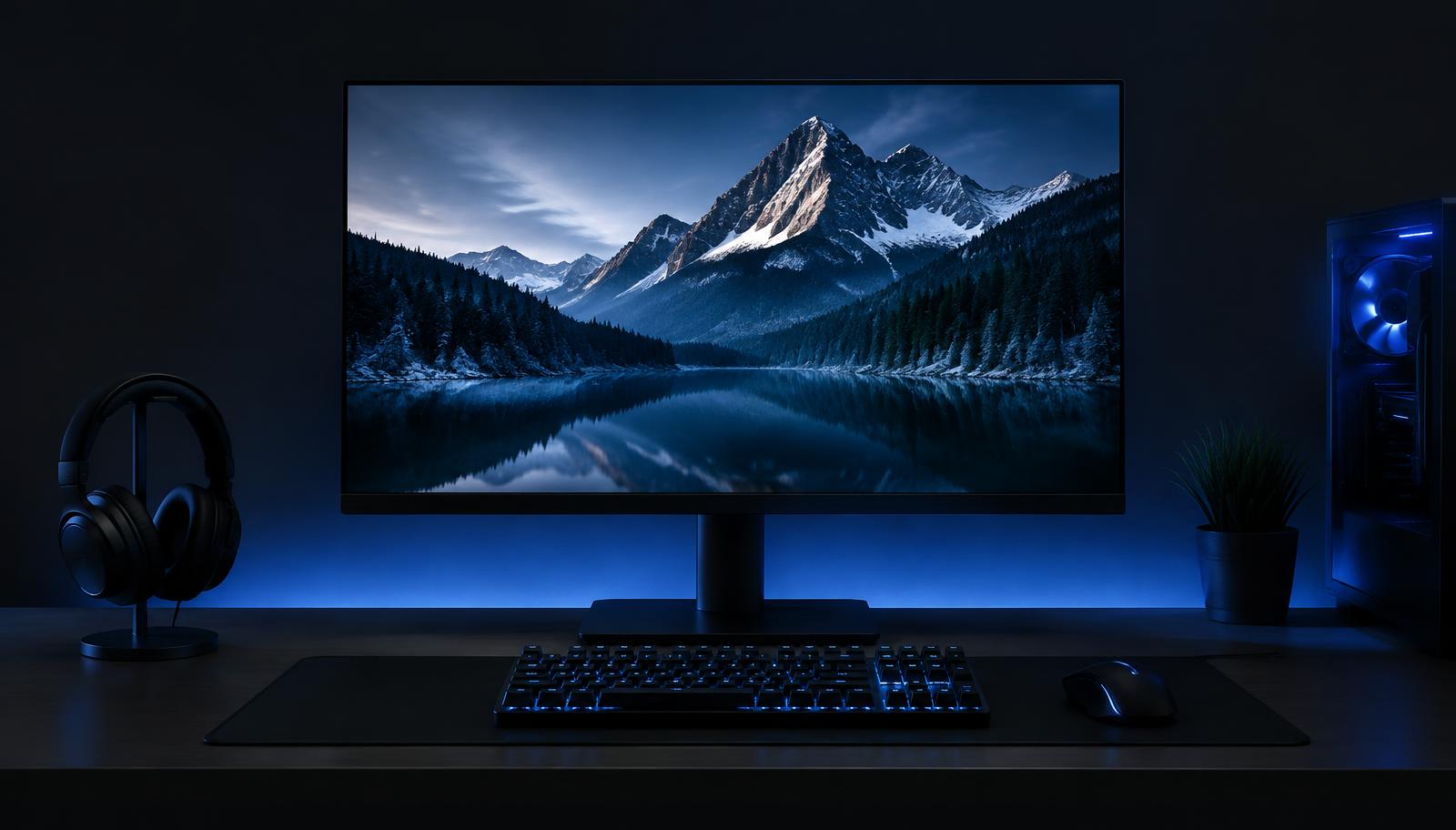
Resolution, refresh rate and the PC must be chosen together so you do not pay for pixels or speed the build cannot deliver.
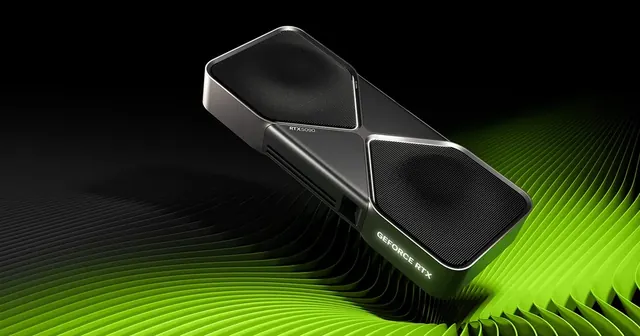
VRAM holds textures and rendering data; the useful amount depends on resolution, game settings, mods and creative workloads.
Headroom covers short spikes, component aging, quieter operation and realistic upgrades without turning wattage into guesswork.
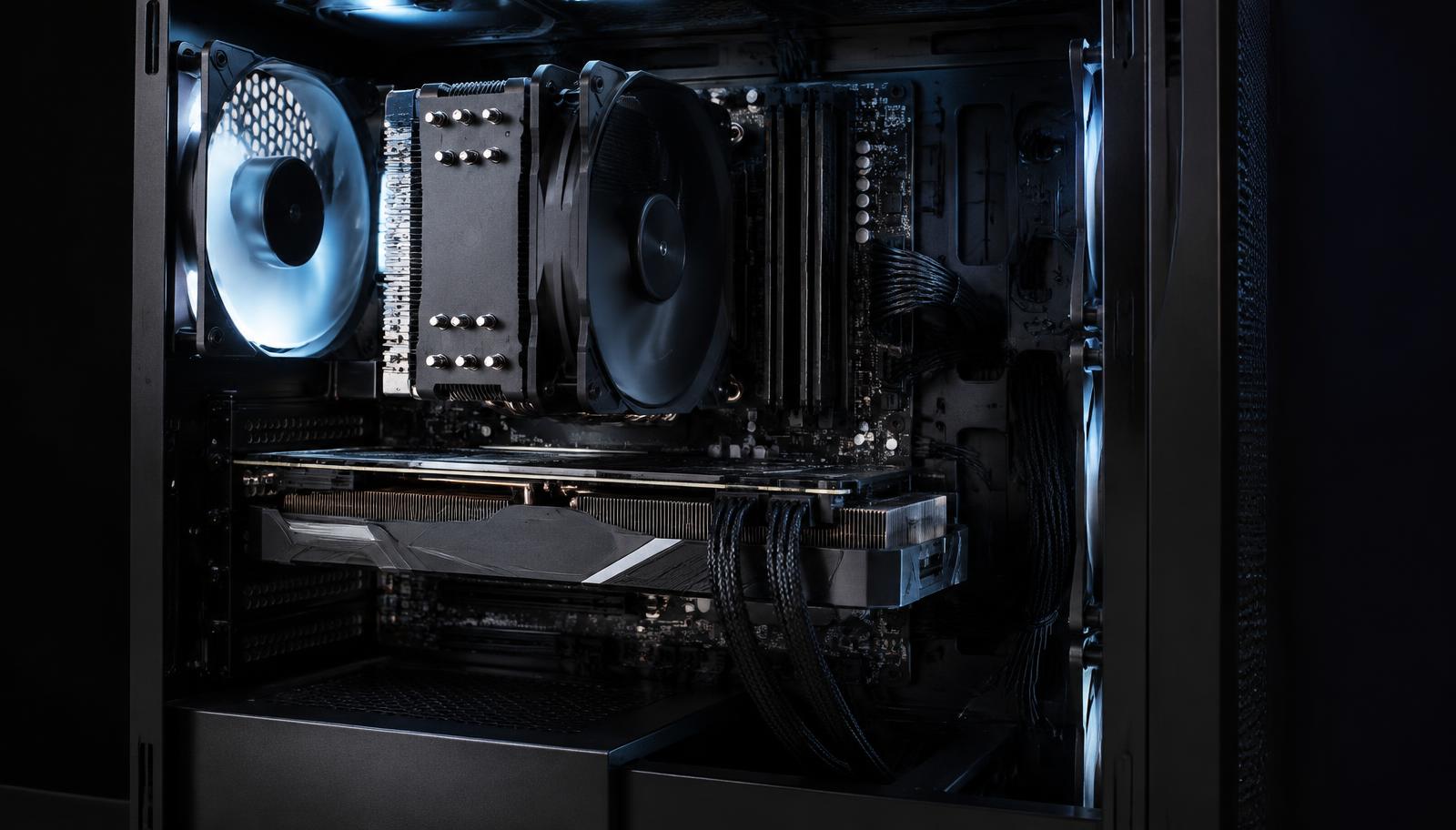
Every PC has a limiting part in a specific workload; the goal is not zero bottleneck, but the right limit for your games and budget.
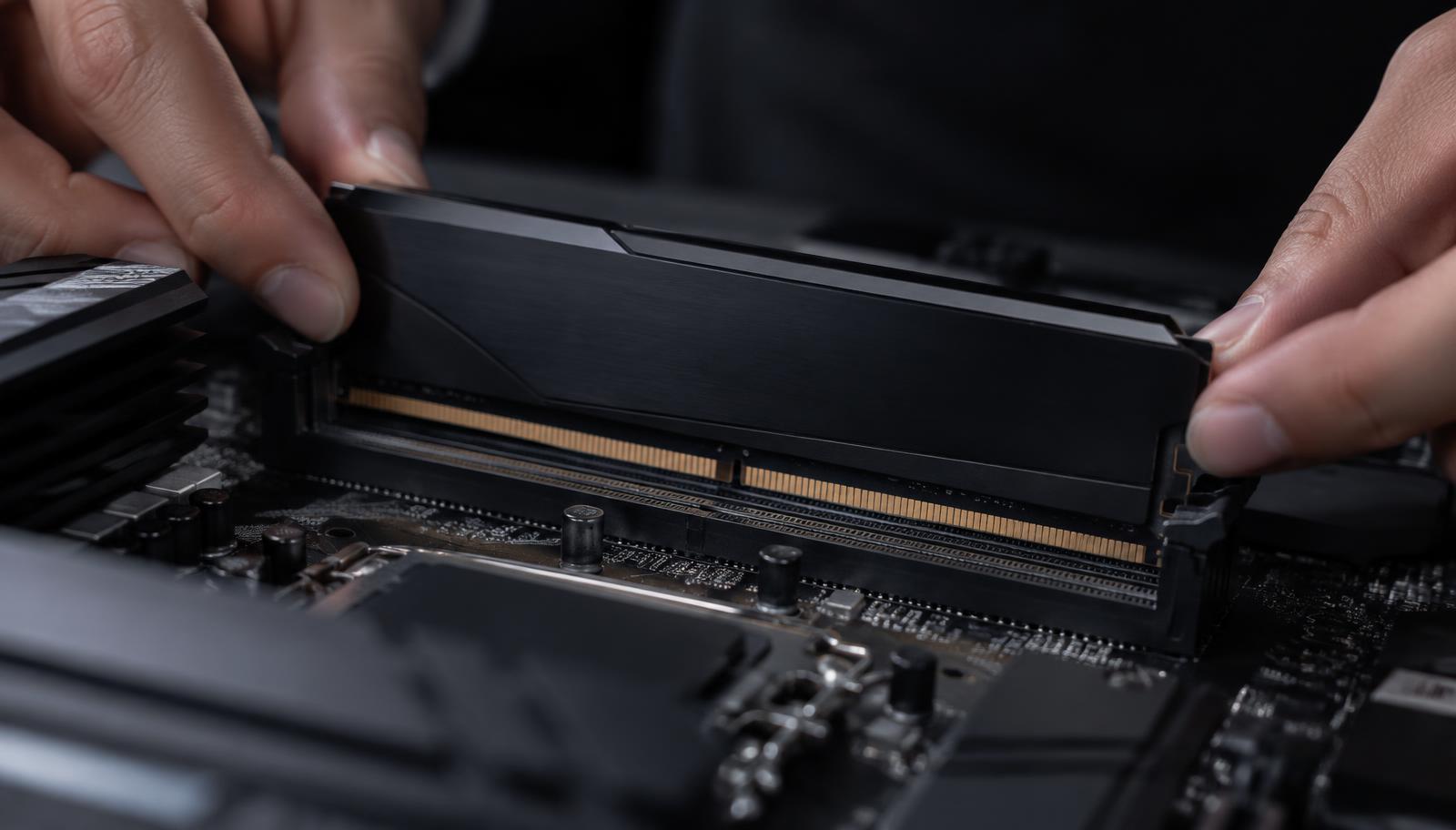
DDR generation is a compatibility decision first and a performance decision second because the motherboard accepts only its supported type.

Both can cool a strong PC; the right answer depends on sustained CPU heat, available space, noise goals and maintenance preference.
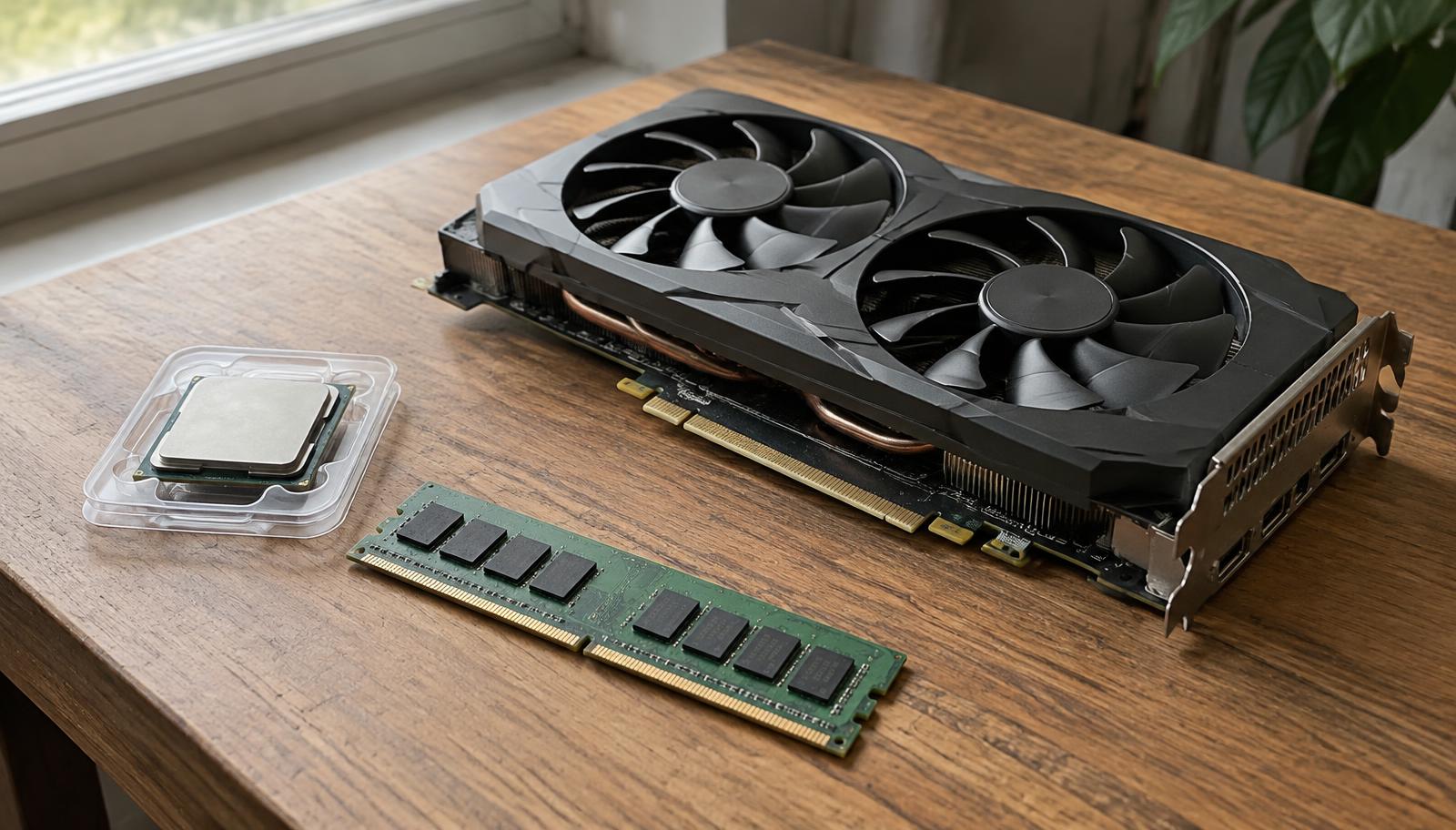
Used hardware can improve value, but risk differs sharply by component and every listing needs identity, condition and test evidence.