Capacity comes first
Decide capacity from the heaviest realistic situation rather than the average one. A gaming session with a browser, a voice client, a streaming overlay and a launcher open is a normal modern load, and it uses far more memory than the game alone. Creative work with large projects, virtual machines or many browser tabs raises the requirement again.
The practical approach is to look at the requirement listed for your games, then add room for everything else that stays open. Headroom is what prevents the slow degradation people notice a year into owning a PC.
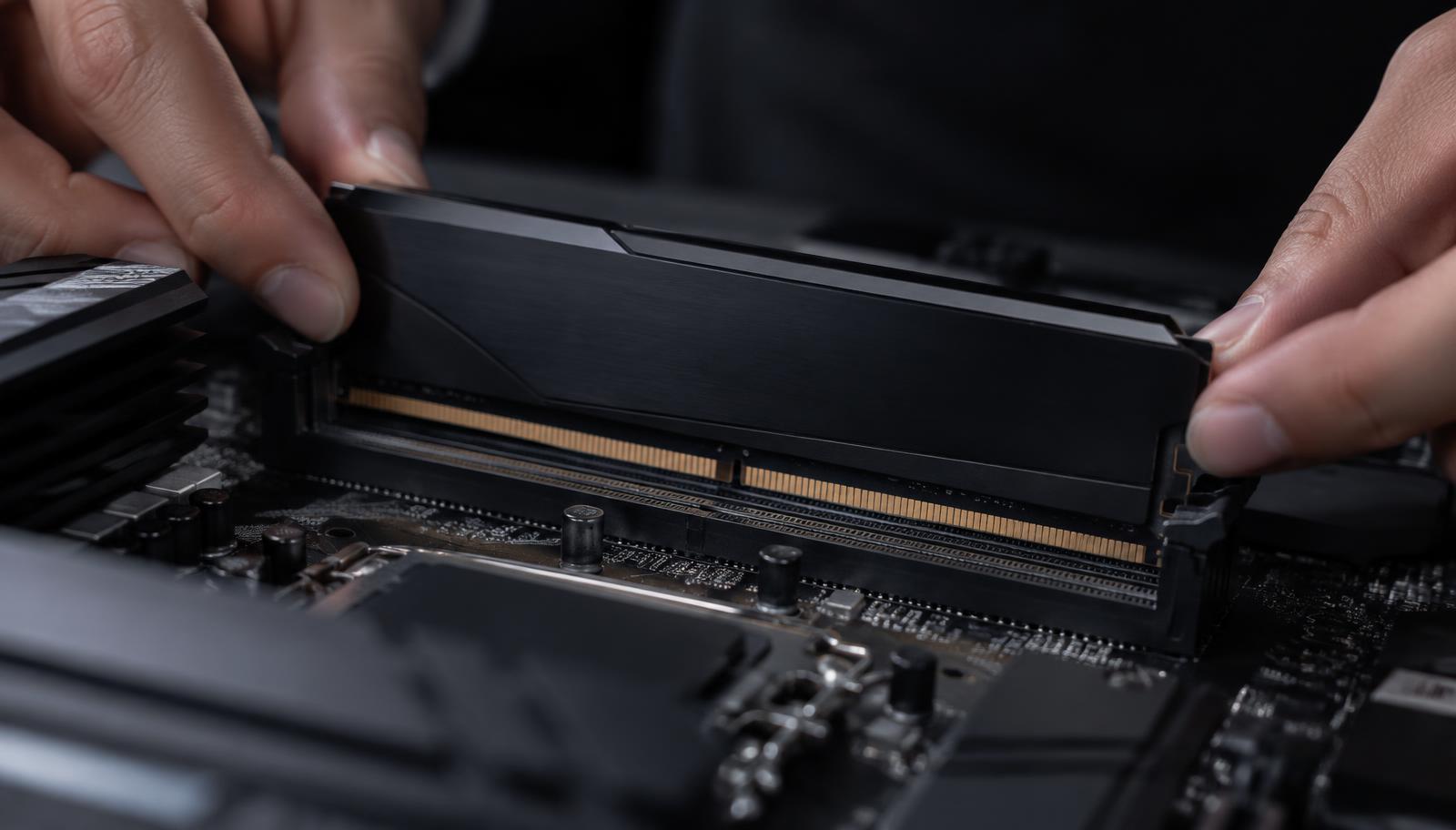
Two sticks, not one
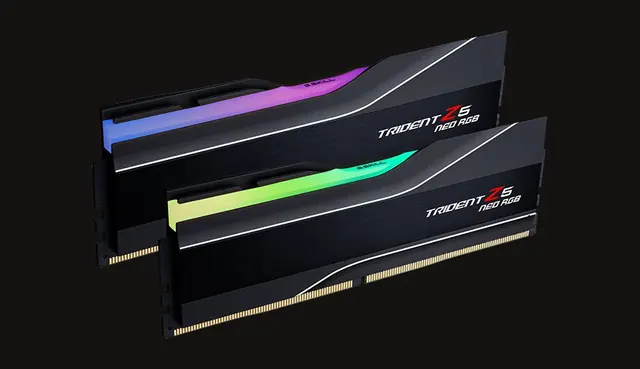
Desktop platforms read memory across two channels. One single stick leaves half of that bandwidth unused, and the effect is visible in games and in any task that moves a lot of data. A matched kit of two modules is the sensible default, installed in the slots the motherboard manual specifies.
If you plan to add capacity later, remember that mixing a new kit with an old one is not guaranteed to run at the rated speed. Buying the capacity you want as a single kit is the more predictable path.
Speed, timings and what to ignore
Speed does contribute, especially in games that are sensitive to memory behaviour, but the return flattens quickly and the highest advertised speeds often require a specific board and a tolerant processor. A sensible mainstream speed that the platform officially supports is the safe choice for most builds.
Timings matter less than the marketing suggests once you are within a normal range. If the choice is between a large capacity kit at a moderate speed and a small capacity kit at an extreme speed, take the capacity.
How the choice plays out in practice
Take a common example: a gaming PC that is also used for browsing, voice chat and occasional video editing. Capacity is what decides whether all of that stays instant when a game is running, because every open application holds its own working data in memory at the same time as the game.
If the budget is tight, the sensible order is capacity in a matched two module kit first, a supported mainstream speed second, and anything exotic last. Memory is also one of the easiest parts to get wrong in a used purchase, since the sticker on the module does not tell you whether the kit was originally matched.
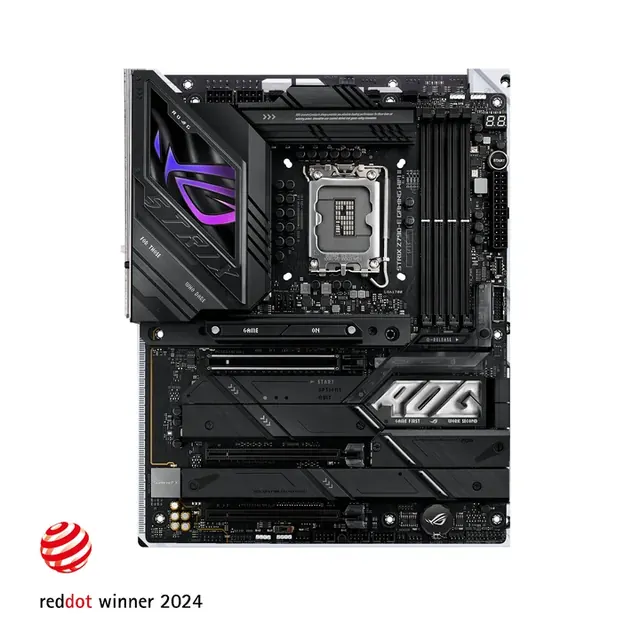
One more practical note: install the modules in the slots the board manual specifies. Boards usually want the second and fourth slots for a two stick kit, and using the wrong pair can cost bandwidth or prevent the rated speed from being reached at all.