Compatibility is not negotiable
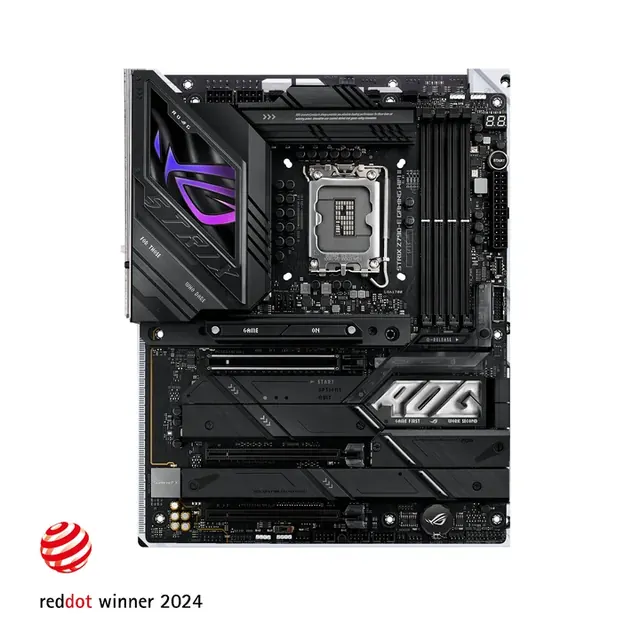
Two fields decide whether a board works at all: the processor socket and the memory generation. Matching the brand is not enough, because the same brand ships several sockets at once, and a board that accepts DDR5 will not take DDR4 modules under any circumstances.
The build engine on this site refuses incompatible combinations for exactly this reason, and the compatibility notes explain which field caused the rejection. If you build from a list found elsewhere, verify both fields yourself before ordering.
Form factor and the case
Boards come in a few standard sizes, and the case states which it supports. A smaller board saves space and sometimes money, at the cost of expansion slots and connectors. A larger board offers more room for drives and cards but will not fit a compact case.
Decide the size from the parts you need to install and the space the PC will live in. Cooling and cable routing are easier in larger cases, which is worth remembering if this is your first build.

What is worth paying for
Useful upgrades are concrete: enough fast storage slots for your plans, the network and wireless features you actually need, sufficient rear ports for your devices, and adequate power delivery for a high power processor. Those items change how the machine works.
Cosmetic tiers, heavy styling and long feature lists you will never touch do not. If the board is comfortably more expensive than a compatible alternative, ask which specific line item you are buying and whether that money would do more inside the graphics card.
How much board do you actually need
Work from a list of what you will connect. Count the drives you intend to install, the cards you need, the monitors, the audio devices and the USB peripherals that will be plugged in permanently. If a mainstream board covers all of it, the more expensive tiers are selling you features you will not use.
There are genuine reasons to spend more. High power processors benefit from stronger power delivery under sustained load, several fast drives need enough slots that run at full speed, and built in wireless or faster networking is worth paying for if you will rely on it.
Firmware support is the quiet feature that matters later. A board that receives updates can accept newer processors on the same socket, which is exactly what makes a mid life upgrade possible without replacing everything around it.