Desktop PC for students
A study PC should be reliable, quiet and last the whole degree. This build leaves room to add a graphics card later.

The computed build
$842- CPU: AMD Ryzen 7 7700$352
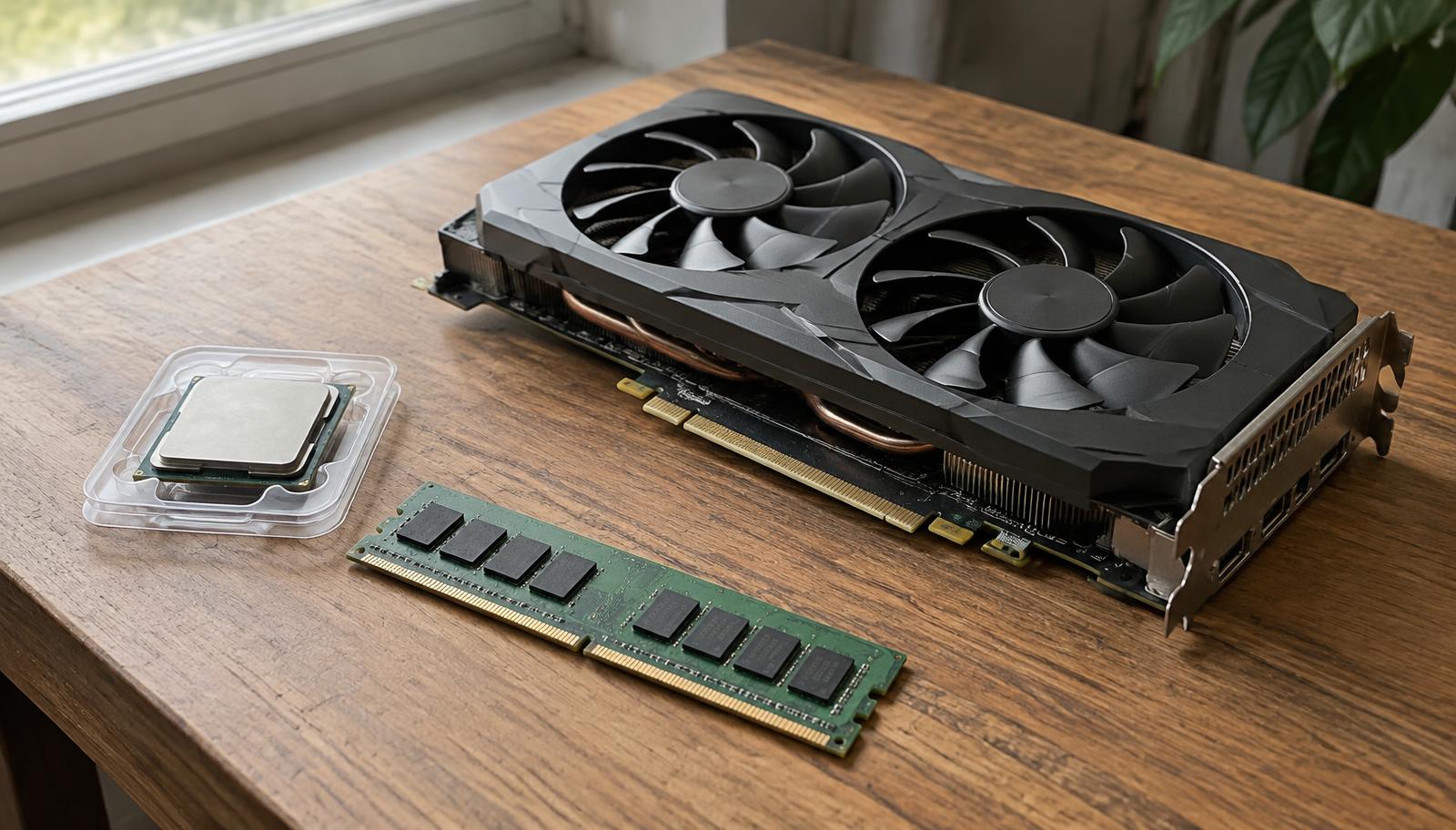
- Graphics card: Integrated graphics (in the CPU)$0
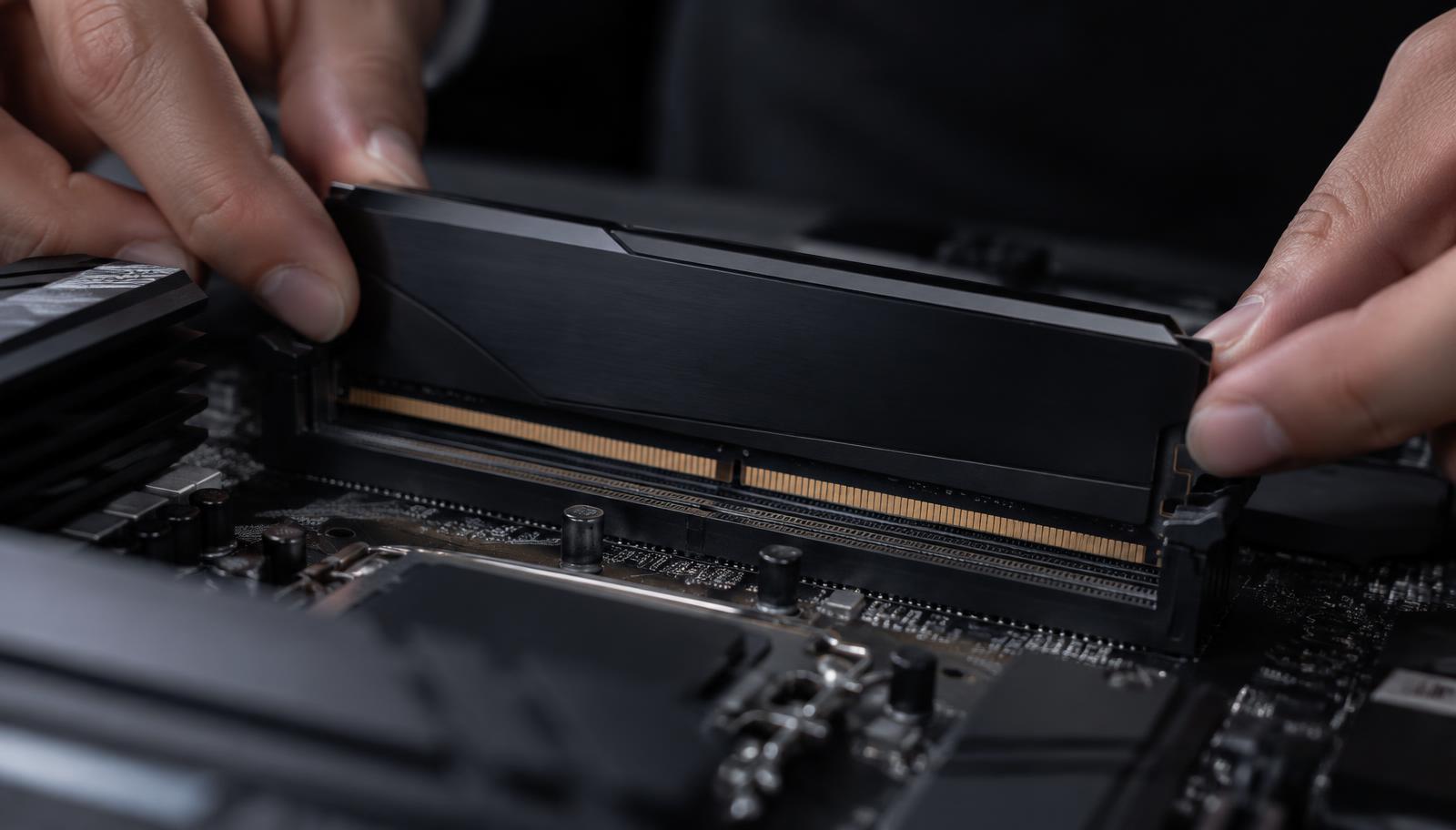
- Memory (RAM): Kingston Fury Beast 16GB DDR5 5200 (2×8)$63
- Storage: WD Black SN770 1TB NVMe$90
- Power supply: Corsair CX450 450W Bronze$69
- Motherboard: Gigabyte B650M Gaming X AX$179
- Cooling: Stock CPU cooler$0
- Case: ASUS A21$90
Plan for the whole degree
Buying a platform with an upgrade path means you can add memory or a graphics card in year two instead of replacing the whole computer.
What students actually run
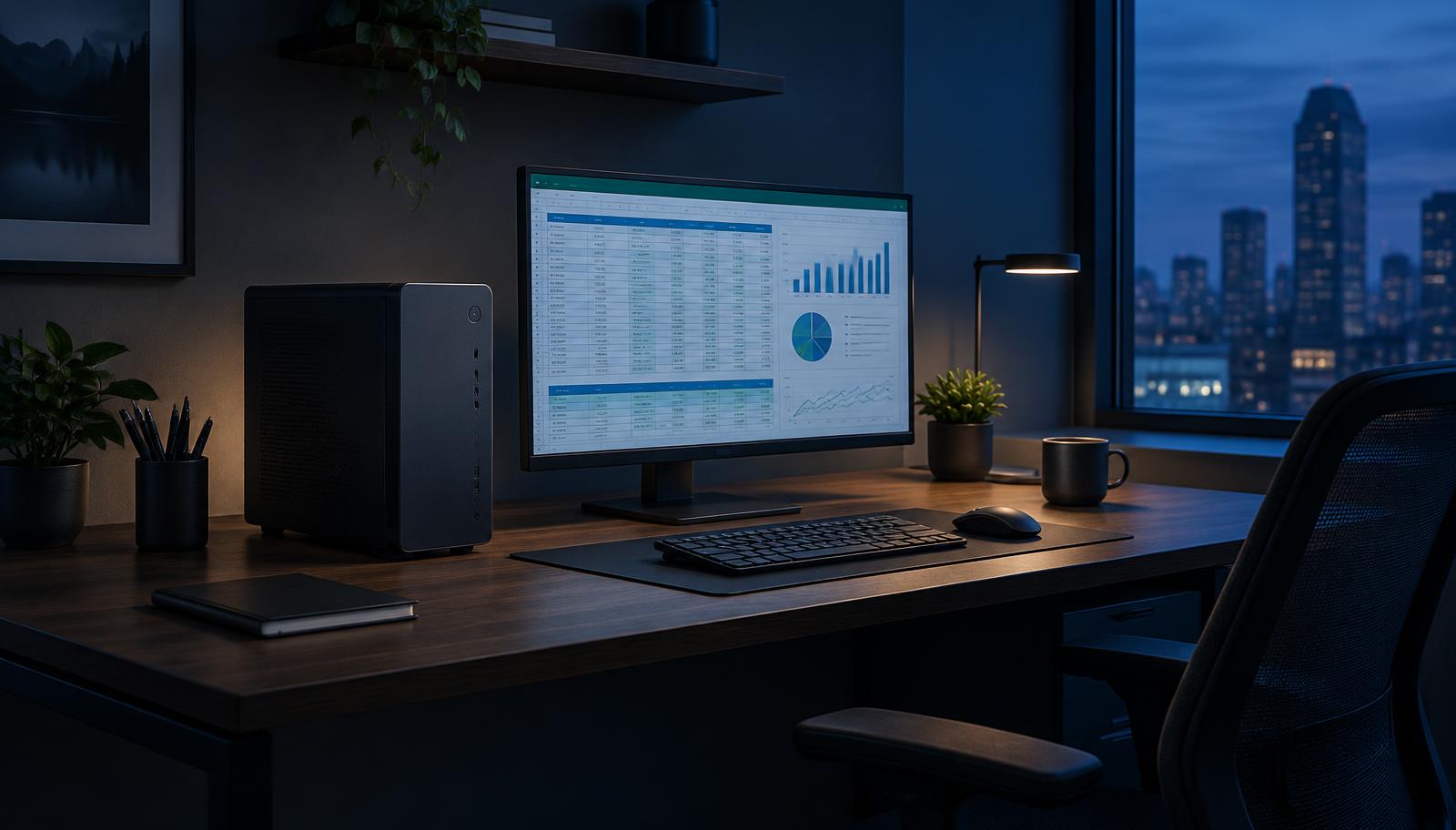
Most courses need a browser, office apps, video lectures and sometimes programming or light design software. A processor with built-in graphics, 16GB of memory and a 1TB SSD handles all of it smoothly.
Engineering, architecture and design degrees often require CAD or 3D software. Check the course requirements: those programs usually need a dedicated graphics card.
Room to grow
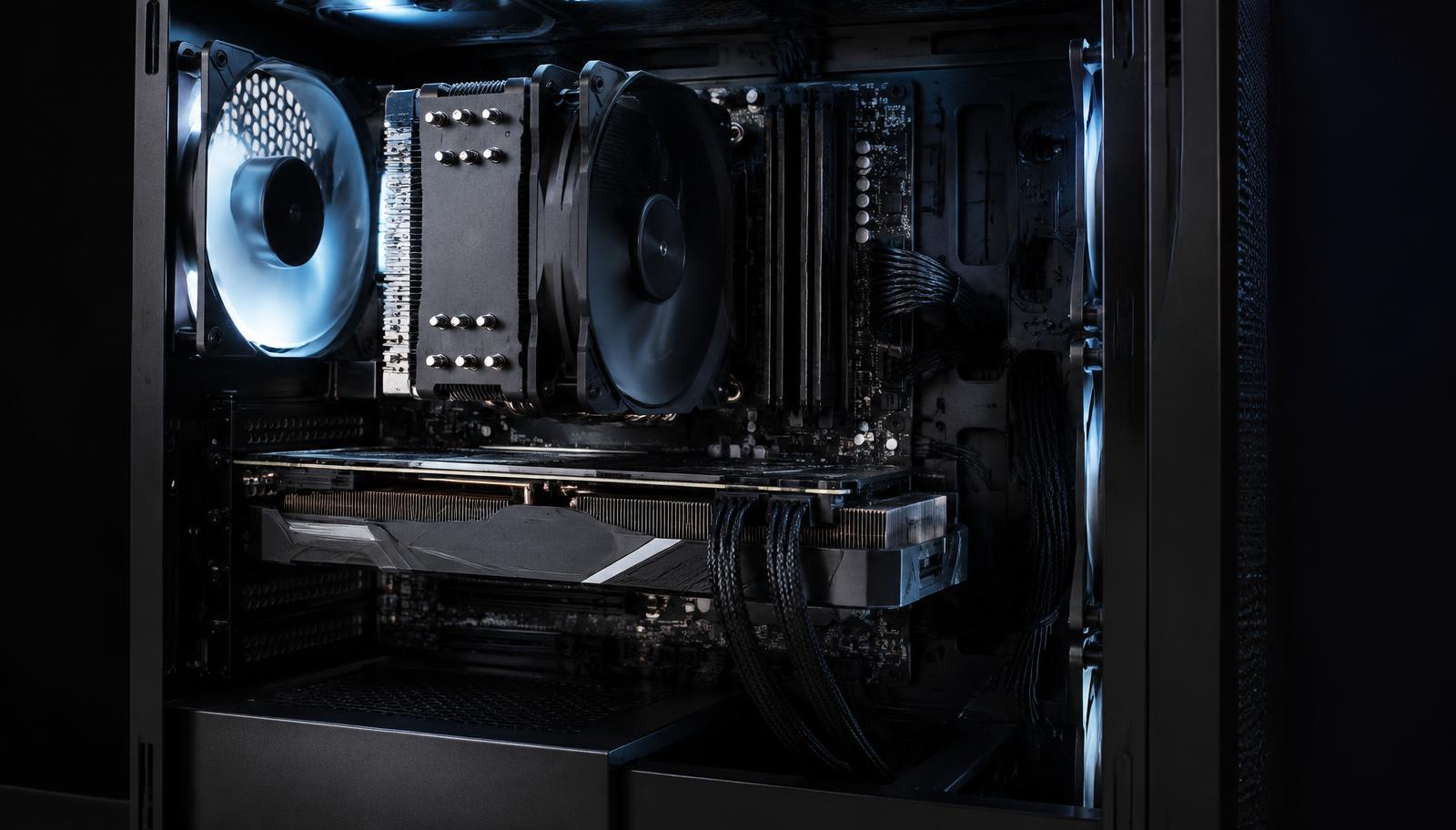
A student PC can start without a graphics card and get one later for gaming or a new course. Choose a power supply and case that leave room for it, so the upgrade is one part instead of a new computer.
Save without regret
Skip RGB, oversized coolers and premium motherboards. Do not skip the SSD speed, the second memory stick or a known power supply.
Frequently asked questions
Desktop or laptop for university?
A desktop gives more performance per dollar and upgrades easily; a laptop wins only if you must work on campus.
Can a student PC also play games?
Light games yes, on built-in graphics. For modern games add a graphics card now or later.