Case buying guide

How to choose a PC case

The case must physically fit the board, graphics card and cooler while giving them enough airflow and usable cable space.

3 min read4 chaptersIllustrated
Airflow focused mid tower case
A case is a thermal and mechanical decision. Styling comes after the measurements agree.
Short answer

Choose size from the parts, not the other way around. Verify maximum GPU length, cooler height and board format, then prefer a clear airflow path over decorative obstruction.

The case is the part people choose emotionally and regret mechanically. It decides whether your graphics card fits, whether your cooler clears the side panel, how much noise the machine makes, and how pleasant the build is to assemble and later service.

Treat it as the container for a specific parts list rather than a standalone purchase, and the choice becomes straightforward.

Measure before you admire

Write down four numbers: motherboard format, graphics card length, graphics card thickness in slots, and cooler height or radiator size. Every case specification lists its limits for these, and the comparison is a pass or fail check rather than an opinion.

Leave margin. A card listed at a length close to the case limit may still conflict with front fans, cable bends or a radiator, and a cooler at the exact height limit can press against the side panel.
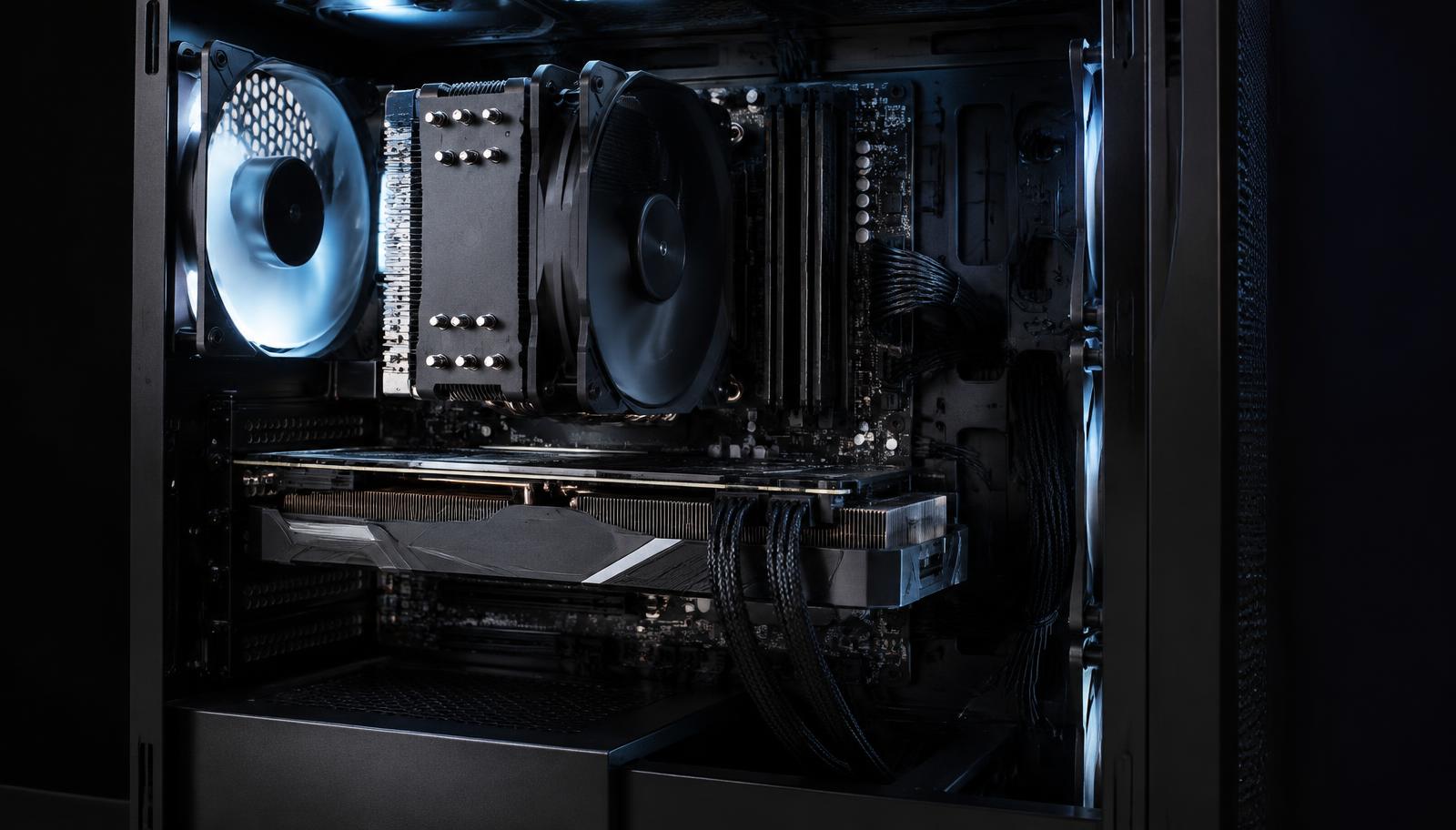
Inside a built gaming PC with cooler and graphics card
Real builds need space for cables and airflow, not only for the parts themselves.

Airflow beats decoration

Components need a clear path from intake to exhaust. A front panel that restricts air forces fans to spin faster for the same cooling, which converts styling into noise. Mesh or well ventilated fronts generally deliver better temperatures at lower fan speeds than closed decorative panels.

Plan the direction of air as part of the choice: intake at the front and bottom, exhaust at the rear and top, with enough fan mounts to make that happen without buying an unusual set of fans later.

Living with the machine

Details that seem minor matter daily: the position and number of front ports, whether panels open without tools, whether dust filters can be cleaned, how much room exists behind the board for cables, and how loud the included fans are.

If the PC will sit on a desk beside you, noise and port placement deserve as much weight as appearance. If it will sit under the desk, prioritise airflow and filter access instead.

Assembly and service life

A good case is pleasant to build in. Room behind the motherboard for cables, removable panels, a cutout above the board for the cooler bracket and enough space around the power supply all turn an afternoon of frustration into an hour of straightforward work.

Service matters later. Dust filters you can remove and rinse, panels that open without tools, and drive mounts you can reach without dismantling half the machine are what keep a PC running quietly for years rather than slowly choking.

Because a case outlasts several generations of components, it is also one of the few places where spending a little more returns value across more than one build.

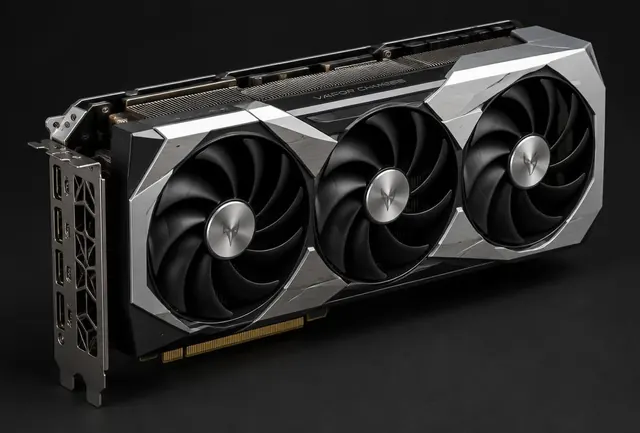
Mid tower case with removable panels
A case you can build in and clean easily will outlast the parts inside it.

Choose by situation

Your situationPrioritizeWhy
Standard gaming buildAirflow focused ATX or mATX caseIt simplifies cooling and assembly.
Quiet workstationBalanced airflow with low noise fansRestricted airflow can make fans work harder.
Small desk or living roomCompact case after exact clearance checksEvery millimeter and cable route matters.

Common mistakes

  • !Checking GPU length but not thickness or cable room.
  • !Ignoring CPU cooler height.
  • !Choosing closed styling that starves high power parts of air.

Before you buy

  1. 1Match motherboard format.
  2. 2Check GPU and cooler clearance.
  3. 3Confirm radiator support if needed.
  4. 4Plan intake, exhaust and cable paths.

Questions people ask

Do I need a large case?

Not necessarily, but larger cases make cooling, cable routing and assembly easier. Compact cases demand exact clearance checks.

How many fans should it have?

Enough to create a clear intake and exhaust path. Two intakes and one exhaust is a reasonable baseline for a mid tower.

Is a tempered glass panel a problem?

Only if the rest of the case restricts airflow. Glass on the side with proper front intake is fine.

Use the guide with real parts

Keep reading