Graphics memory explained

How much VRAM do you need?

VRAM holds textures and rendering data; the useful amount depends on resolution, game settings, mods and creative workloads.

3 min read4 chaptersIllustrated
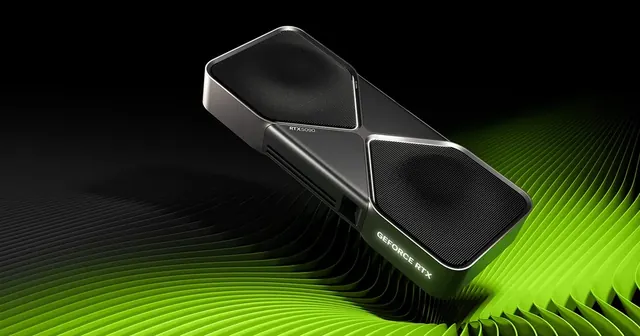
Graphics card with large memory capacity
Video memory is a requirement to satisfy, not a score to maximise.
Short answer

Use the VRAM requirement shown for your games as a floor, then add headroom for higher textures, mods or work. More VRAM does not make a slow GPU fast, but too little can force lower settings.

Video memory is where a graphics card keeps the data it needs right now: textures, geometry, buffers and the intermediate results of modern rendering techniques. When there is enough, you never think about it. When there is not, the symptoms are unmistakable.

This guide explains how to set a sensible capacity target without falling into the habit of ranking cards by memory size alone.

What running out actually looks like

A shortage of video memory does not produce a gentle decline. It produces texture pop in, sudden stutters when the scene changes, long hitches when entering a new area, and in some games an automatic reduction of texture quality. The average frame rate can still look acceptable while the experience feels broken.

That is why capacity should be treated as a threshold. Once you are above the requirement for your settings, more capacity does very little. Below it, nothing else you buy compensates.

What raises the requirement

Resolution is the first factor, because higher output resolutions need larger buffers. Texture quality is the second and often the largest, since high resolution texture packs are simply bigger. Ray tracing and frame generation techniques add their own memory cost, and mods can multiply it.

Outside gaming, creative work behaves differently again. Large scene files, high resolution video, three dimensional work and local machine learning models can demand far more memory than any game at the same resolution.
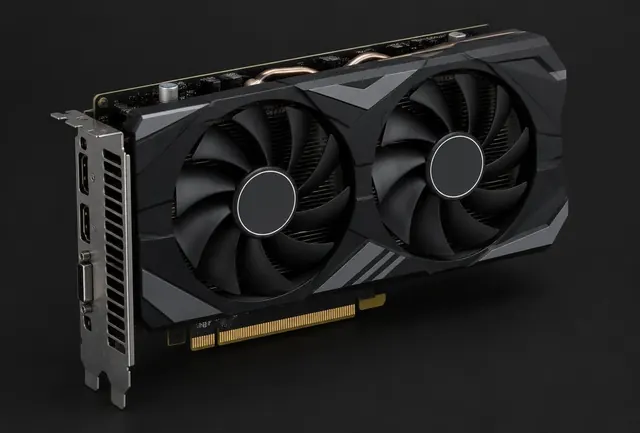
Older mid range graphics card
Older cards with modest memory can still play well, as long as settings respect the capacity.

Setting your own floor

Look at the requirement listed for the specific games you play, at the resolution and settings you intend to use, then add headroom for the future and for anything you mod. That number is your floor. Only after a card clears it should you compare processing performance and price.

If two cards clear the floor and one has considerably more memory but noticeably less performance, the faster card is usually the better purchase for gaming. If your work involves large assets, the reverse can be true.

Settings you can trade instead of money

When capacity is tight, texture quality is the setting that matters most, because it maps almost directly to memory use. Lowering textures one step frequently removes stutter completely while changing the image far less than people expect.

Upscaling and frame generation techniques change the picture too. Rendering at a lower internal resolution reduces memory pressure as well as processing load, which is why these features often rescue an older card at a higher output resolution.

Mods deserve their own line in the budget. High resolution texture packs can double the memory a game needs, so if modding is part of how you play, treat it as a requirement rather than an afterthought.
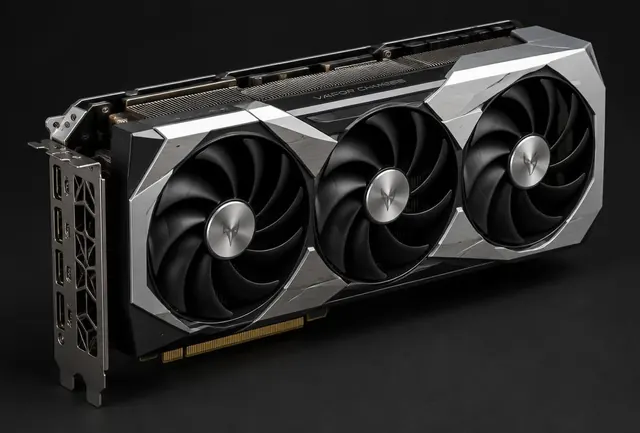
Graphics card running a modern game
Texture quality and upscaling are the two levers that change memory pressure most.

Choose by situation

Your situationPrioritizeWhy
Esports and lighter gamesMeet the listed requirementThese workloads often use modest texture memory.
Modern 1440p gamingLeave practical headroomHigh resolution textures increase memory use.
4K, mods, AI or 3DPrioritize larger capacityLarge assets can exceed mainstream capacities.

Common mistakes

  • !Treating VRAM as the GPU's overall speed.
  • !Ignoring the resolution and settings used.
  • !Paying for capacity while accepting much weaker processing performance.

Before you buy

  1. 1Check each game's stated need.
  2. 2Account for resolution and texture settings.
  3. 3Add headroom for mods or creation.
  4. 4Compare performance and VRAM together.

Questions people ask

Will more VRAM future proof my card?

Partially. It helps with rising texture sizes, but processing performance ages too, and both need to be adequate.

Does VRAM affect competitive games?

Rarely, because esports titles use modest textures. It matters much more in modern single player games at high settings.

Can I add more VRAM later?

No. Video memory is soldered to the card, so the capacity you buy is the capacity you keep.

Use the guide with real parts

Keep reading