Desktop PC for work
For office work you need a responsive processor, 16 to 32GB of memory and a fast SSD. A gaming graphics card adds cost and noise without helping.
The computed build
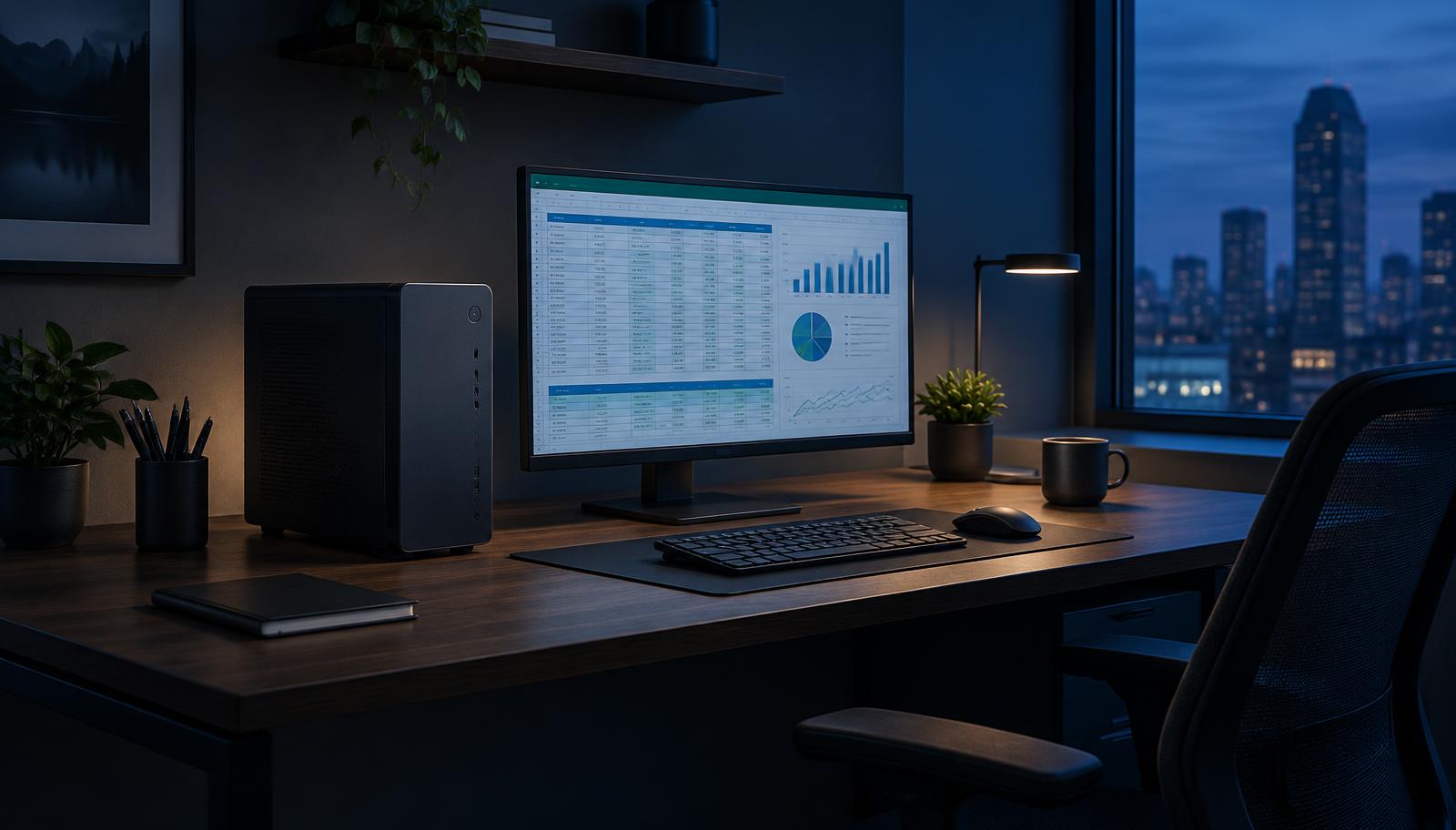
$842- CPU: AMD Ryzen 7 7700$352
- Graphics card: Integrated graphics (in the CPU)$0
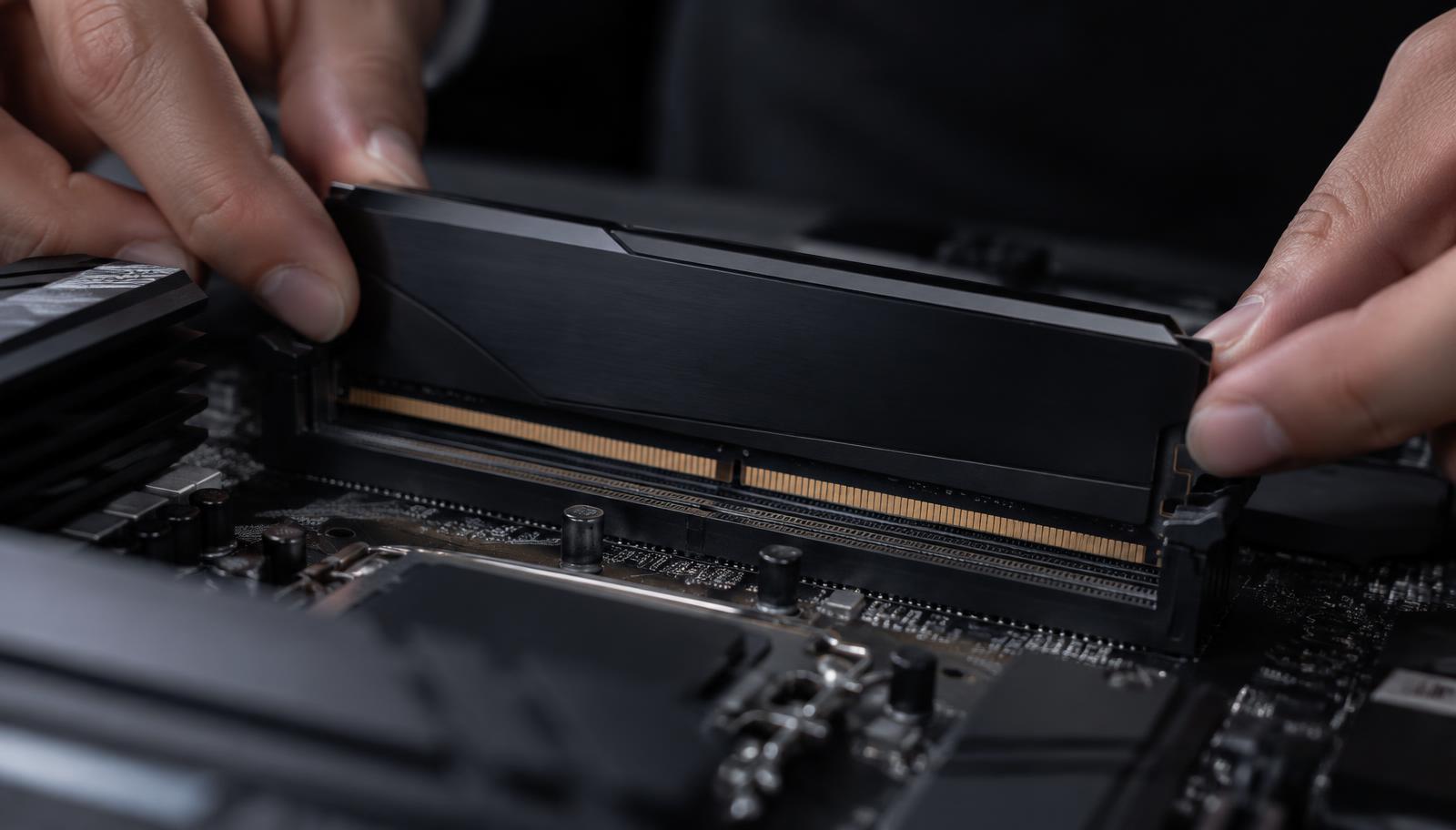
- Memory (RAM): Kingston Fury Beast 16GB DDR5 5200 (2×8)$63
- Storage: WD Black SN770 1TB NVMe$90
- Power supply: Corsair CX450 450W Bronze$69
- Motherboard: Gigabyte B650M Gaming X AX$179
- Cooling: Stock CPU cooler$0
- Case: ASUS A21$90
What matters for work
Memory decides how many programs stay open without slowing down, the SSD decides how fast everything opens, and a quiet cooler keeps the room calm through a long day.
What a work PC really needs
For office work, browsing and video calls, a modern processor with built-in graphics, 16GB of memory and a fast NVMe SSD feels quicker than an older expensive machine. The SSD is the single biggest upgrade over an old computer.
Spreadsheets with large data, programming with virtual machines or photo editing benefit from 32GB of memory and more processor cores. Video and 3D work add a dedicated graphics card.
Quiet, reliable and easy to service
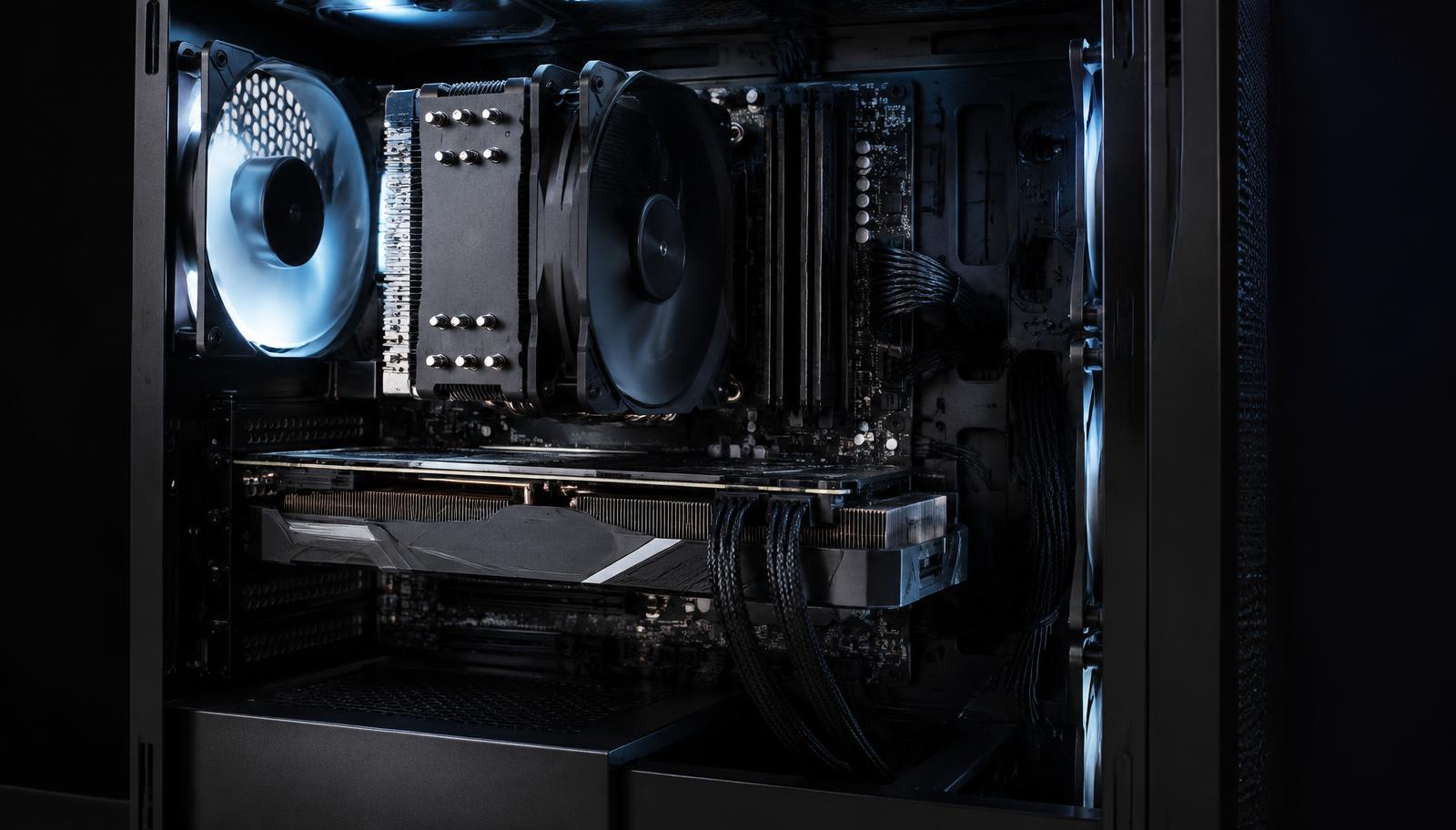
A good tower cooler, a quality power supply and a case with dust filters keep a work PC quiet for years. Standard parts mean any technician can replace one later, unlike many branded office machines.
Screens and connections
Check how many displays the motherboard's outputs support if you work with two screens without a graphics card, and whether you need Wi-Fi, Bluetooth or a fast network port. These are board features, so they are decided when the board is chosen.
Frequently asked questions
How much does a desktop PC for work cost?
A solid office desktop costs about $750 to $1,200, without a screen.
Is a laptop better for work?
Only if you need to carry it. A desktop gives more performance per money, is quieter under load and is easy to upgrade.
How long will a work PC last?
With an SSD and 16 to 32GB of memory, usually five years or more for office work.