Memory platform guide

DDR4 vs DDR5: which should you buy?

DDR generation is a compatibility decision first and a performance decision second because the motherboard accepts only its supported type.

3 min read4 chaptersIllustrated
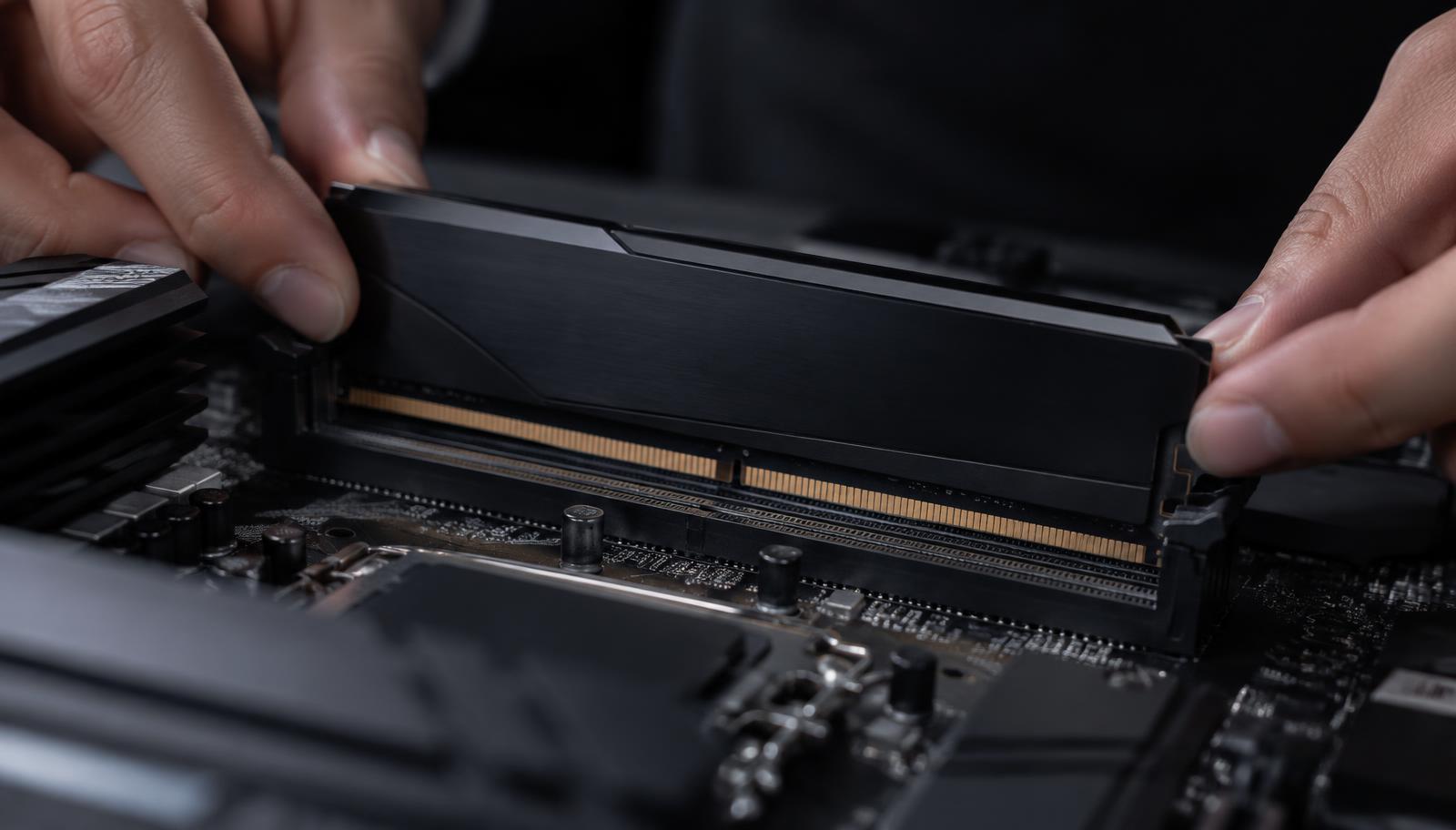
Memory module being installed into a board slot
The board decides the generation. The modules are physically incompatible with the wrong slot.
Short answer

For a new modern platform, use the memory generation the selected board requires. DDR4 still makes sense when upgrading a compatible older system cheaply; it should not be mixed with a DDR5 board.

Most DDR4 versus DDR5 discussions start in the wrong place, comparing bandwidth figures as if both were available for the same build. In practice the motherboard supports exactly one generation, so the question is usually answered before it is asked.

The real decision is which platform to buy, and whether an existing DDR4 system is worth keeping rather than replacing.

Compatibility comes first

A DDR5 board accepts only DDR5 modules, and a DDR4 board only DDR4. The notches differ, the electrical design differs, and no adapter changes this. Choosing the processor and board therefore fixes the memory generation automatically.

For any new current platform build, the answer is simply the generation the board requires. There is no meaningful decision left at that point, only capacity and a supported speed.

When DDR4 is still the right answer

If you already own a working DDR4 system, adding capacity or replacing a failed kit is often far better value than rebuilding the platform. A memory upgrade on a compatible board costs a fraction of a new processor, board and kit together, and in many real situations the capacity increase is what you actually needed.

Budget builds on older compatible platforms can also make sense when the price difference is large and the performance target is modest. What does not make sense is buying DDR4 memory with a DDR5 board in the same order.
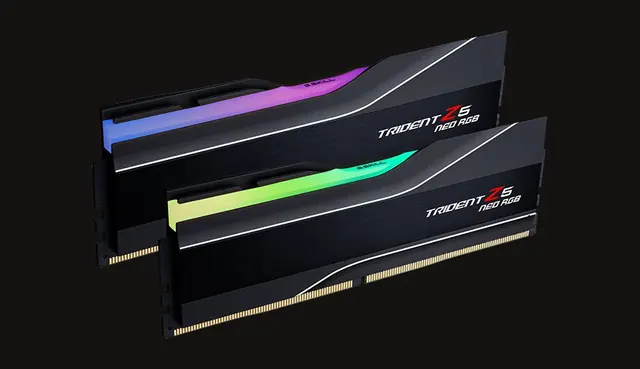
Memory kit with heat spreaders
A matched two module kit remains the sensible default in either generation.

What the generation change actually buys

DDR5 offers higher bandwidth and higher capacity ceilings, which helps most in memory sensitive games at high frame rates and in workloads that move large amounts of data. The gains are real but usually modest compared with the effect of the graphics card or having enough capacity in the first place.

Judge the platform as a whole: processor, board and memory kit together, against what the same total money would do elsewhere in the build. That comparison, not the generation label, is what should decide.

Working out the total platform cost

Compare complete platforms rather than individual items. Add the processor, the board and the memory kit for each option, then look at what is left for the graphics card. That single comparison answers most of these questions faster than any bandwidth chart.

Remember that capacity pricing moves independently of generation. A larger kit in one generation can cost less than a smaller kit in the other, and capacity is usually what you will notice in daily use.

If you are upgrading rather than building, the cheapest meaningful improvement is often more memory on the platform you already own, leaving a full platform change for when the processor itself is the limit.
Memory kit and motherboard during assembly
Price the processor, board and kit together, then see what remains for the graphics card.

Choose by situation

Your situationPrioritizeWhy
New current platform buildUse the board's current DDR generationIt keeps the platform internally compatible.
Low cost upgrade to an existing DDR4 PCReuse compatible memory when sensibleAvoiding a platform rebuild can save more than a small speed gain.
Heavy memory capacity needCompare complete kit and board costCapacity pricing can outweigh speed differences.

Common mistakes

  • !Assuming the modules share the same slot.
  • !Buying memory before choosing the motherboard.
  • !Replacing a whole platform for a small memory only gain.

Before you buy

  1. 1Identify the board's DDR type.
  2. 2Confirm kit capacity and stick count.
  3. 3Check supported speed.
  4. 4Compare full platform cost.

Questions people ask

Can a board support both generations?

No desktop board accepts both in the same slots. Some platforms exist in separate DDR4 and DDR5 board versions.

Is DDR5 much faster in games?

It helps in memory sensitive titles at high frame rates, but the difference is usually small compared with graphics card choice.

Should I upgrade my DDR4 PC to DDR5?

Only as part of a whole platform change. On its own, more DDR4 capacity is often the better value upgrade.

Use the guide with real parts

Keep reading